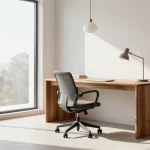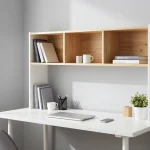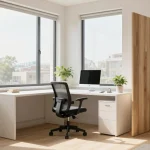

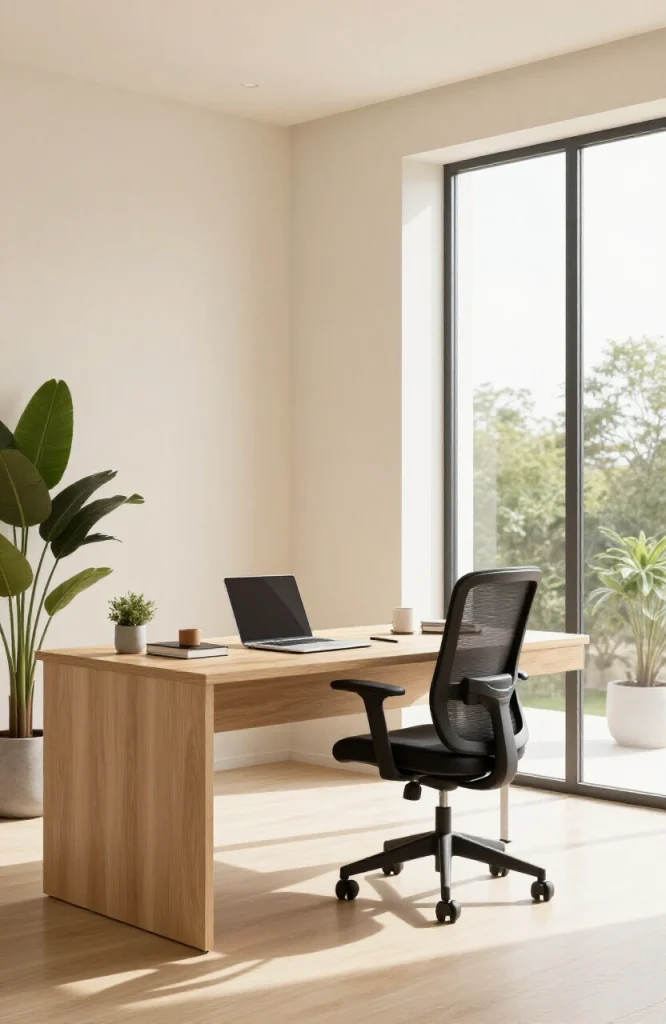
Remote workers now save an average of 72 minutes every day by skipping the commute. That time goes back into work, health, and family, but only if the workspace itself holds up. A bad setup costs focus, causes physical strain, and makes video calls unprofessional.
The challenge is that one setup doesn’t fit everyone. A freelance graphic designer, a traveling consultant, and a stay-at-home parent all have different space constraints, budgets, and work styles. This guide covers 30 real flexible workspace setups, organized by location and lifestyle, so you can find what actually works for your situation.
Each setup includes who it suits best, the key gear you need, and one practical tip to make it work better.
What Is a Flexible Workspace Setup?
A flexible workspace setup is any working environment designed to adapt to your location, schedule, and work style, rather than locking you to one fixed desk or office. From a spare bedroom with a proper desk to a laptop bag you carry across time zones, flexible setups let you stay productive wherever you are.
The idea gained momentum during and after the COVID-19 pandemic, but it has become a permanent shift. Hybrid employees, digital nomads, freelancers, and remote-first teams all need workspaces that can change as their days change.
What Every Flexible Workspace Needs First
Before getting into the 30 setups, these six things apply to every working arrangement. Skip any one of them and your setup will show cracks fast.
1. The Right Device for Your Work Type

Your laptop is the foundation of every mobile setup. Choose based on battery life, keyboard comfort, and screen quality. Raw processing power matters only if your work demands it, like video editing or 3D rendering. Weight matters more than you’d expect when you carry your office every day. For most knowledge workers, a lightweight laptop under 1.4kg that lasts 10 hours on a charge covers everything.
2. Reliable Internet With a Backup Plan
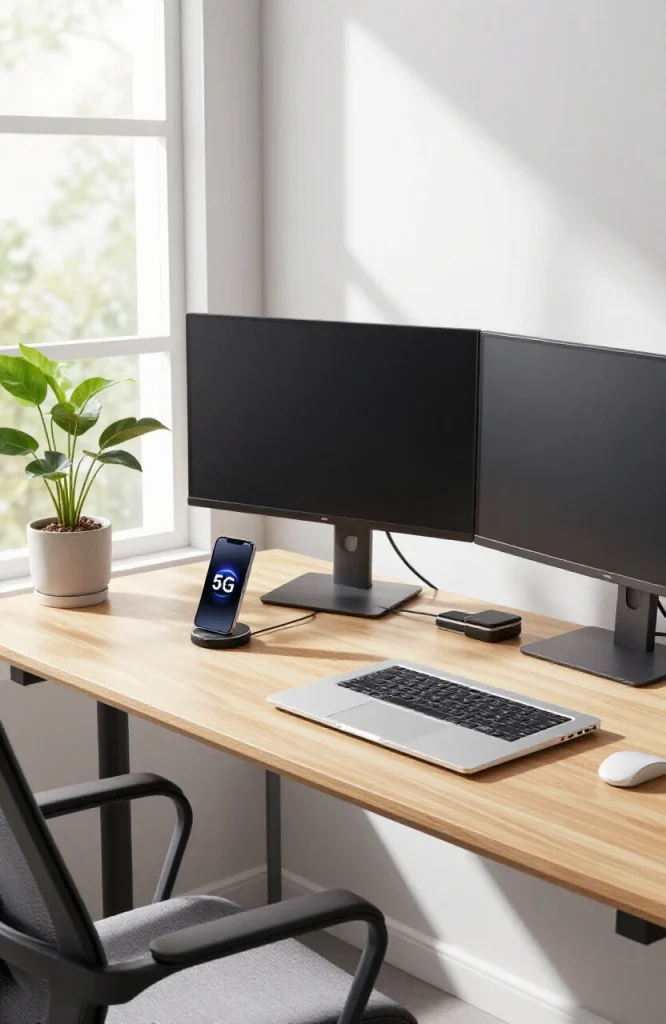
High-speed WiFi works until it doesn’t. A 4G or 5G mobile hotspot as a backup removes the anxiety of connectivity failures at critical moments. For frequent international travelers, a local SIM card strategy or a travel router is worth adding to the kit. Always use a VPN on public networks.
3. Ergonomic Seating and Desk Height
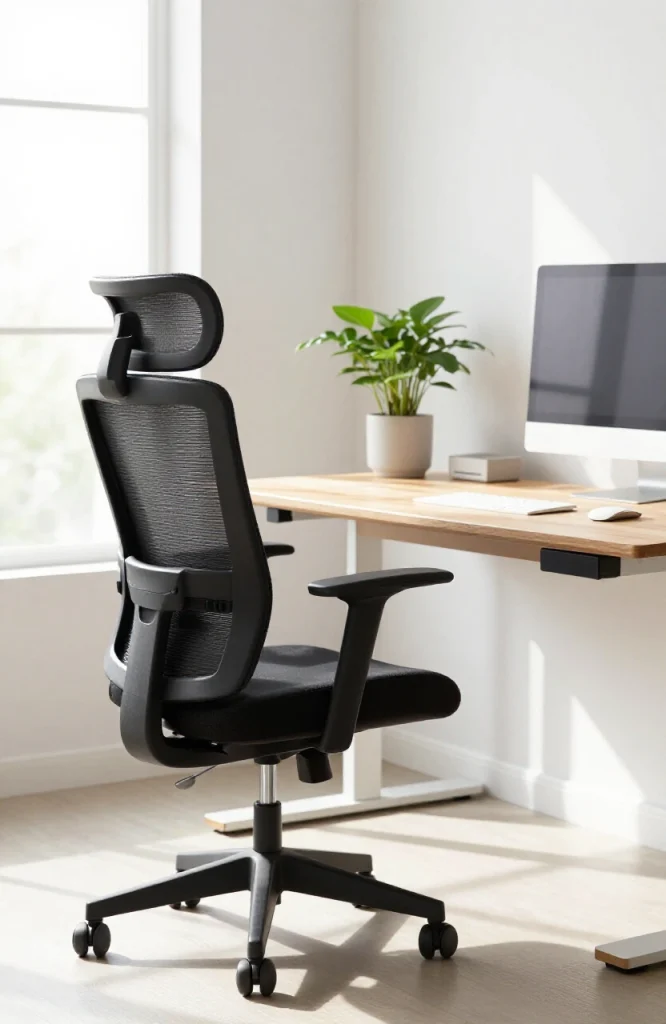
Poor seating causes back pain within weeks. An adjustable chair with lumbar support and a desk at the right height (elbows at roughly 90 degrees when typing) prevent long-term injury. When you’re away from home, a portable laptop stand paired with a compact wireless keyboard does the same job at any surface.
4. Lighting: Natural First, Artificial Second
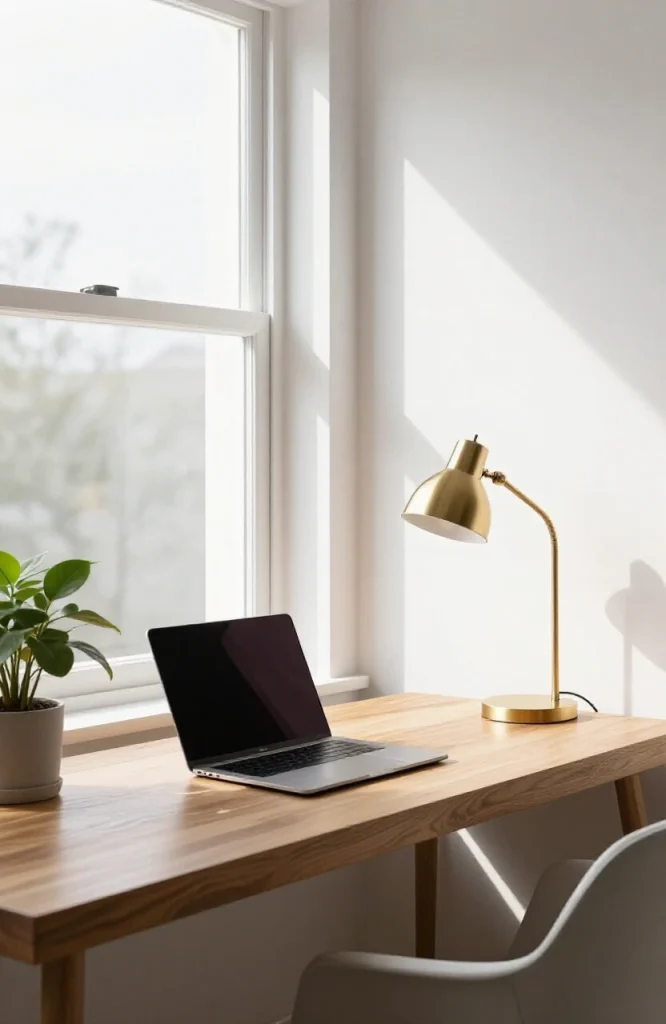
Position your desk near a window where possible. Natural light reduces eye strain and improves mood and focus. When natural light isn’t available, a portable ring light or adjustable desk lamp placed to the side (not behind you) removes harsh shadows and makes video calls look professional.
5. Cloud Storage and File Organization
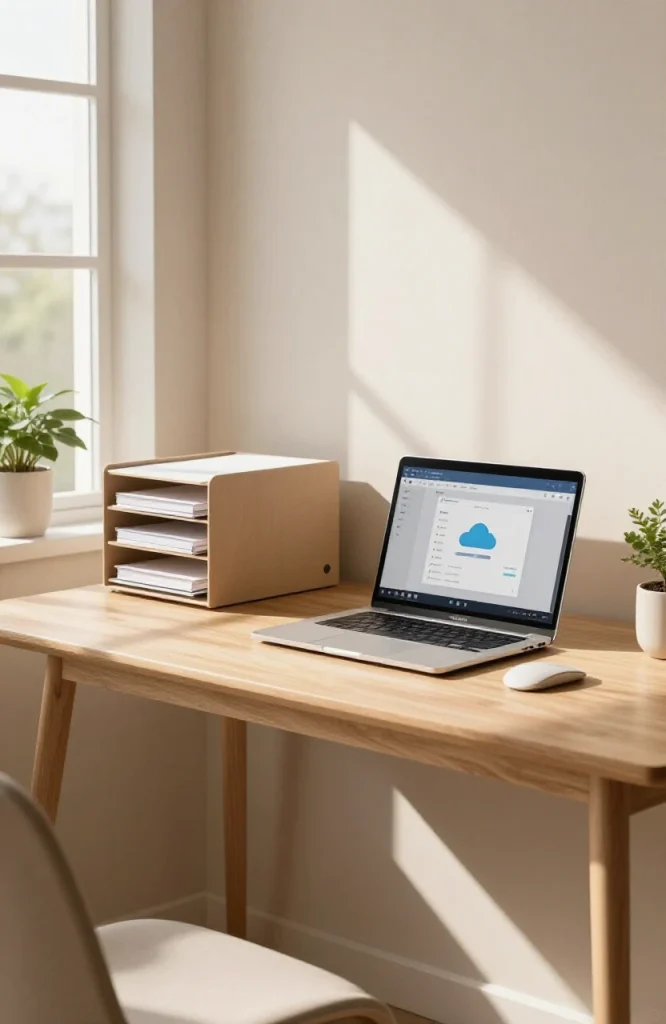
Cloud-first tools like Google Drive, Dropbox, or Notion mean your files are accessible from any device at any location. Consistent folder naming and structure prevent confusion when switching between devices. Always keep offline-capable versions of your most-used files for situations where you lose connectivity.
6. Noise Management
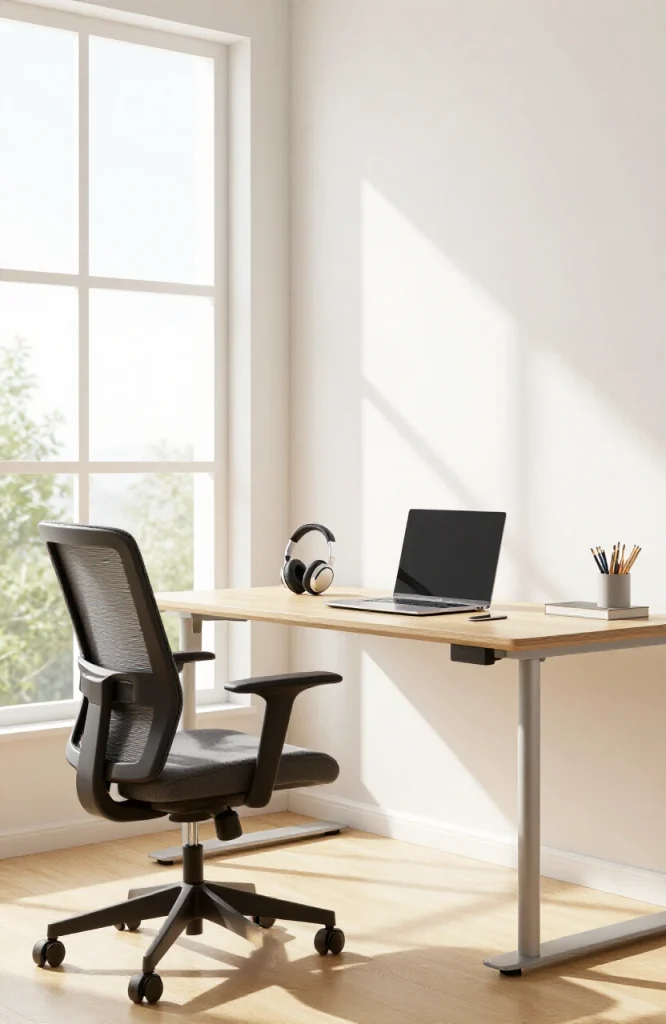
Noise-canceling headphones are non-negotiable for anyone working from public spaces, shared homes, or open offices. Schedule video calls in dedicated time blocks rather than mixing them with deep-focus work. Switching between tasks and communication modes wastes time on both sides.
The 30 Flexible Workspace Setups
Home-Based Setups (1–10)
These are the setups for people who work from home full time or most of the time. See the full home office category for more décor and design ideas that work alongside these configurations.
Setup 1: The Dedicated Home Office
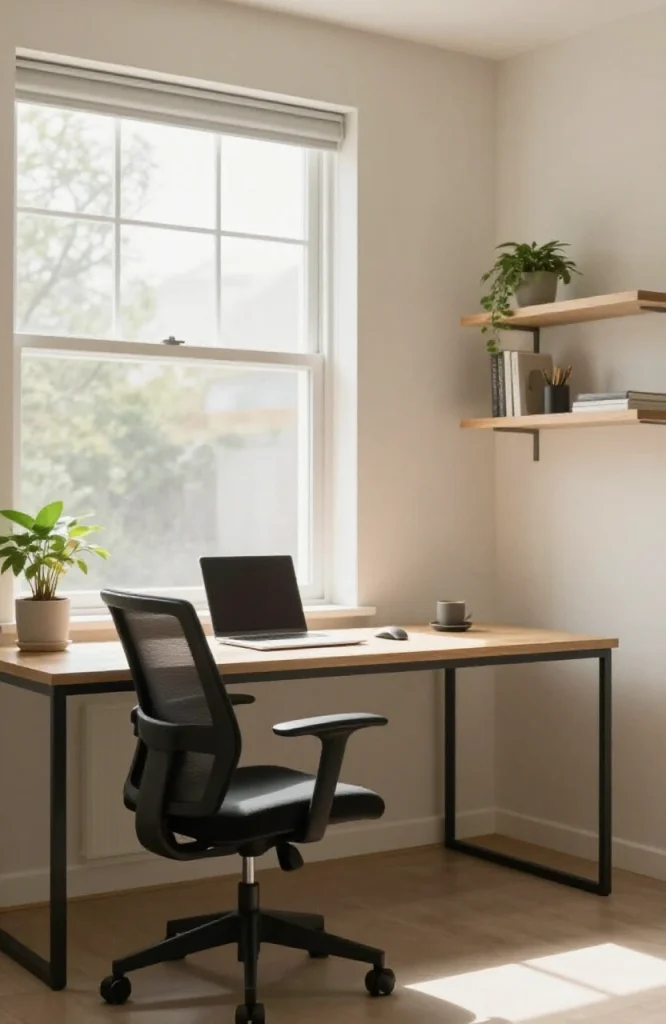
Best for: Full-time remote employees with a spare room
A room you use only for work is the gold standard of home working. The physical separation from living areas creates a clear mental boundary between work and personal time. Close the door at the end of the day and you’re off the clock.
Key gear: Ergonomic desk, adjustable chair with lumbar support, dual monitors, quality webcam, ring light, and acoustic panels if the room echoes.
Pro tip: If the room gets client video calls, invest in what’s visible on camera. A clean background, good lighting, and clear audio matter more than a high-end webcam.
Setup 2: The Under-Stairs Office
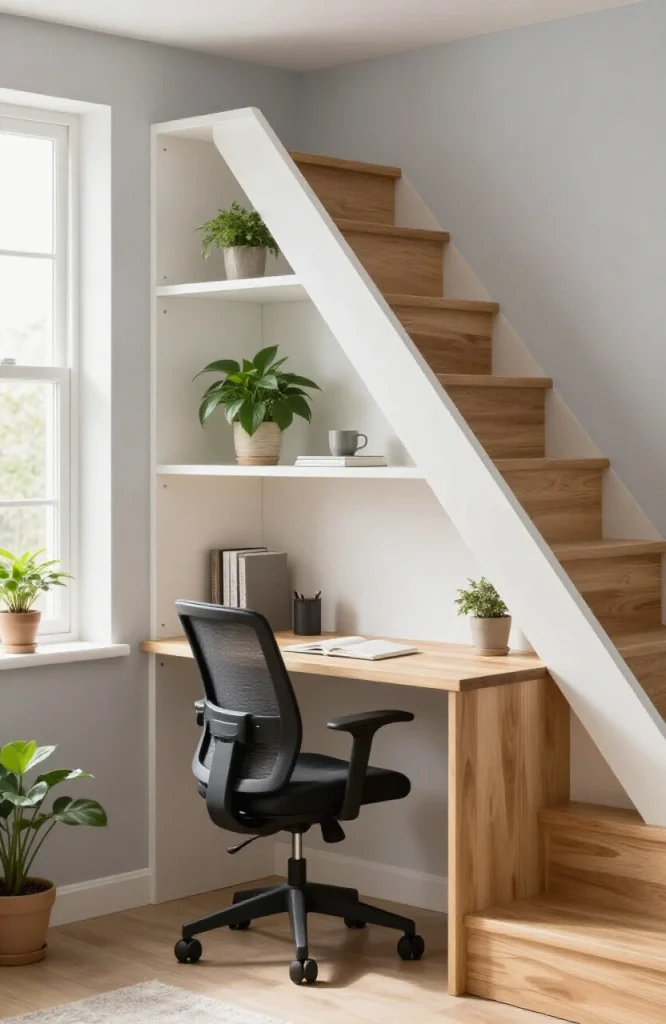
Best for: Small homes, multi-level apartments with unused under-stair space
Roughly 18 square feet of awkward triangular space can become a fully functional workspace. Built-in shelves above a compact desk replace the storage you’d lose elsewhere. Add task lighting on the underside of the stair above to eliminate the dim corner problem.
Key gear: Wall-mounted or compact desk, built-in shelving, under-cabinet LED lighting, compact monitor arm.
Pro tip: Use vertical storage everywhere to compensate for the narrow depth. A pegboard on the back wall handles cables, accessories, and small tools cleanly.
Setup 3: The Converted Closet (“Cloffice”)
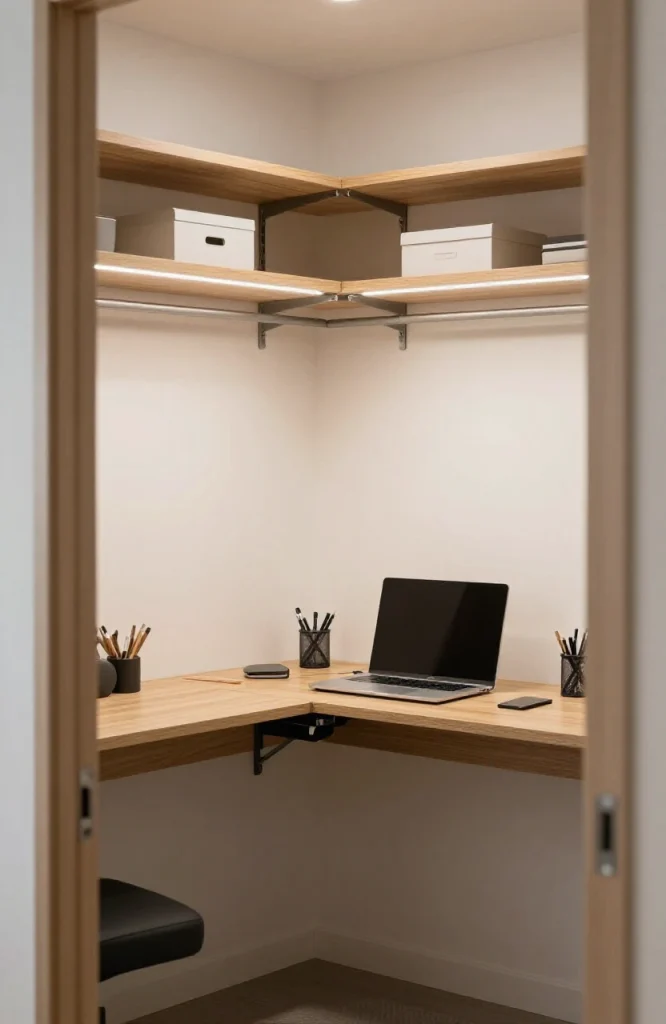
Best for: Renters, urban apartment dwellers, anyone without a spare room
A standard wardrobe closet, cleared out and fitted with a fold-down desk and LED strip lights, becomes a self-contained workspace. When work ends, you close the doors and the office disappears entirely, which is one of the better psychological tricks for maintaining work-life separation in a small apartment.
Key gear: Fold-down or floating desk, pegboard organizer inside the doors, LED strip lights, a single monitor or laptop stand.
Pro tip: Paint the inside of the closet a light color. Dark interiors absorb light and make the space feel cramped within minutes.
Setup 4: The Living Room Corner Setup
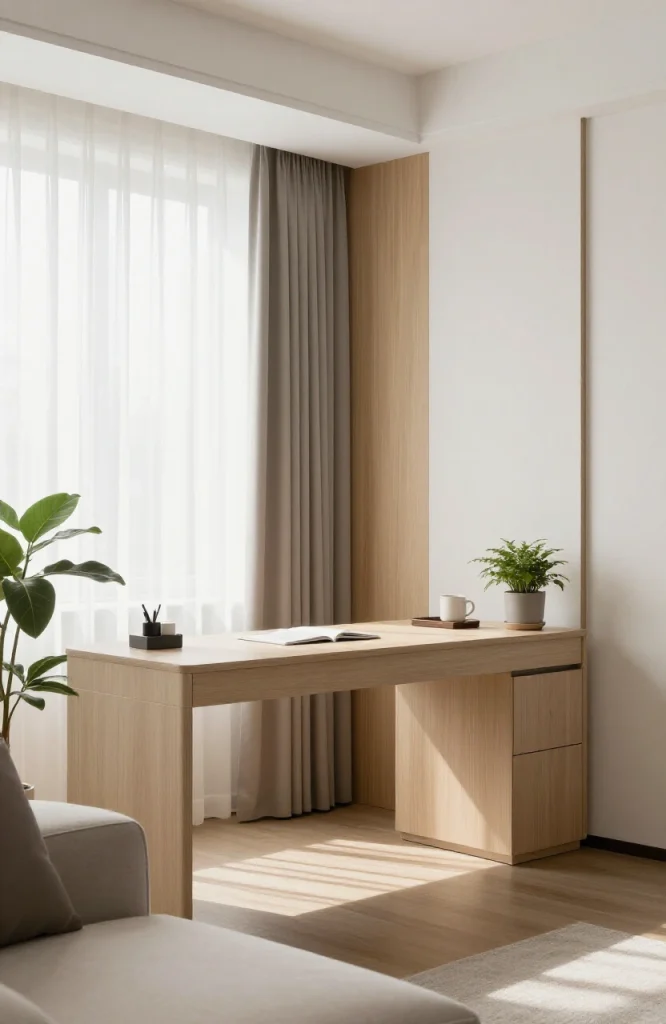
Best for: Those without a dedicated room for work
A corner of a living room becomes a workspace with the right boundaries. A bookshelf or room divider placed strategically creates visual separation from the rest of the room. This setup works better than it looks, provided you keep cables hidden and the desk surface clear when not working. For inspiration on how to blend furniture and workspace in a living room, see our living room ideas.
Key gear: Compact L-shaped or corner desk, wireless peripherals, cable management tray, room divider or tall bookshelf.
Pro tip: Use a distinct desk lamp, a specific chair, or a particular desk mat that signals “work mode” when they’re out. The visual cue helps shift focus even in a shared space.
Setup 5: The Executive Home Office
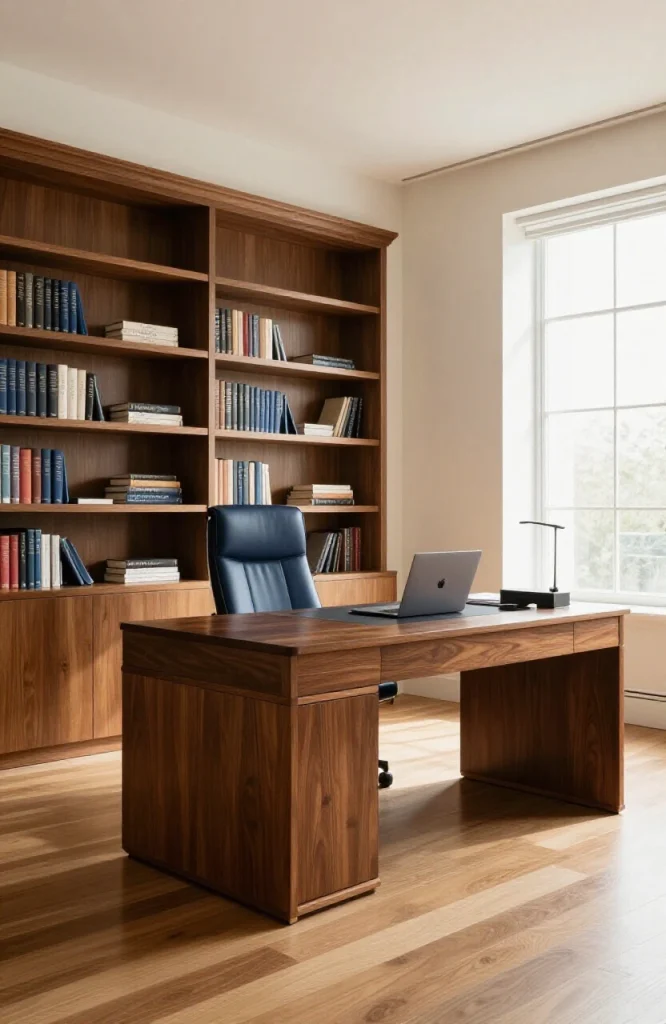
Best for: Senior managers and executives who take frequent client video calls
An executive home office communicates authority and professionalism through the background visible on screen. Large desk, hidden storage behind cabinet doors, quality microphone, and proper lighting form the core. The visible wall behind the chair matters as much as the desk itself.
Key gear: Large statement desk, hidden cabinet storage, three-point lighting setup (key light, fill light, backlight), high-resolution webcam, quality condenser microphone.
Pro tip: Upgrade your lighting before your webcam. Good lighting makes a mid-range camera look excellent. Bad lighting makes an expensive camera look mediocre.
Setup 6: The Couple or Roommate Co-Working Setup
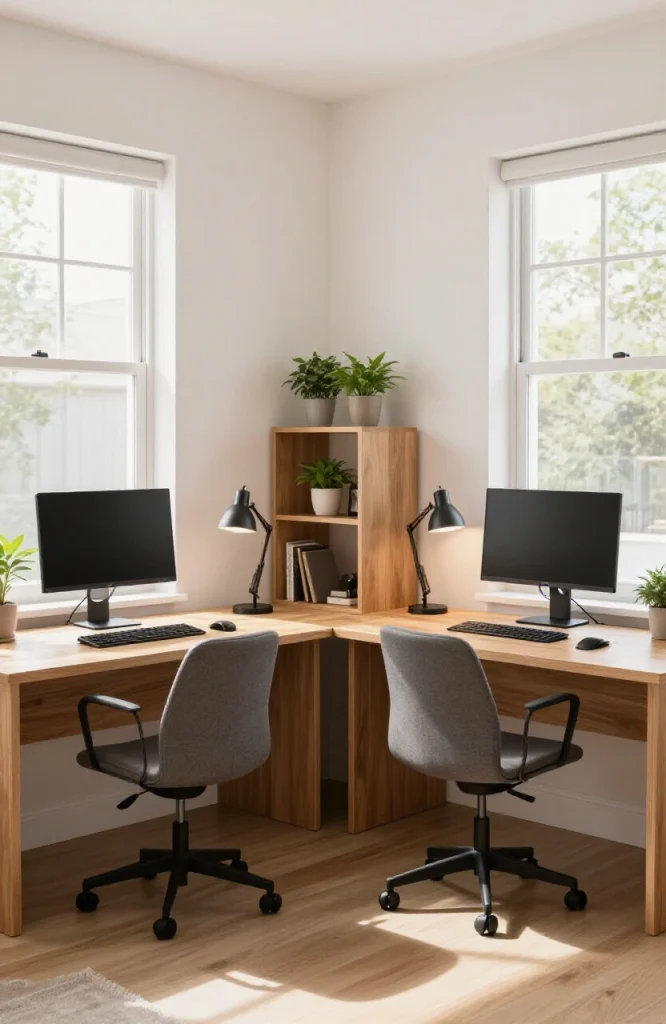
Best for: Partners or roommates who both work from home
Two people sharing one workspace need clearly defined zones. Each person needs their own desk surface, their own task lighting, and their own cable management. The shared whiteboard or planning board in the middle becomes useful, but only if each person has enough personal space around their own desk.
Key gear: Two separate desks with individual task lights, noise-canceling headphones for each person, shared whiteboard, separate monitors.
Pro tip: Agree on a “call schedule” in advance so both people aren’t on video calls at the same time in the same room.
Setup 7: The Standing Desk Setup
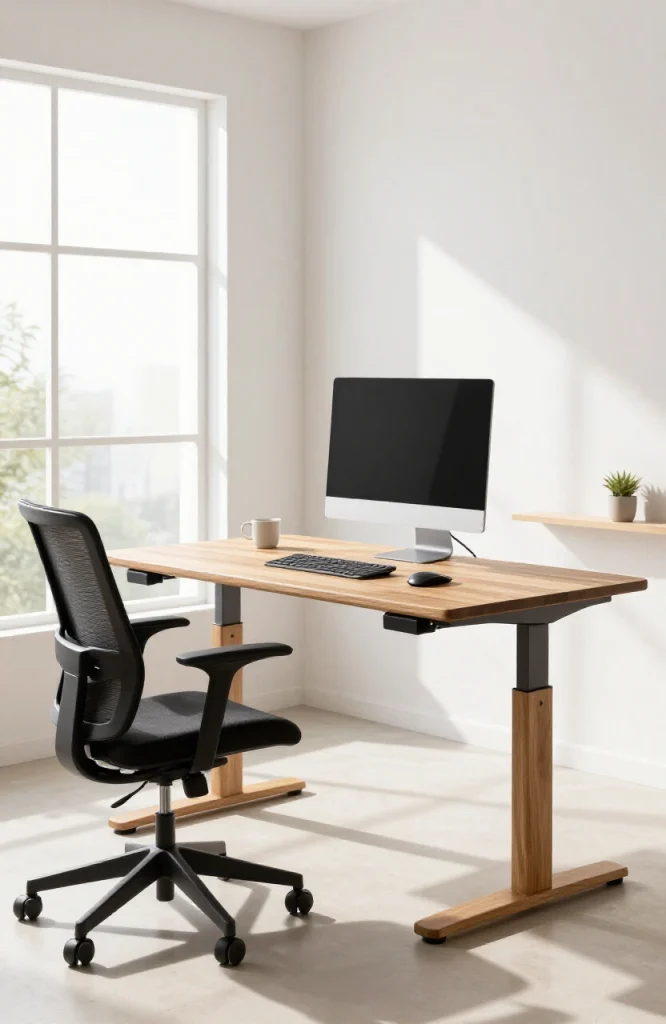
Best for: Anyone sitting more than six hours a day, people with lower back problems
A motorized sit-stand desk lets you change positions without disrupting your workflow. Most users find alternating between sitting and standing every 45 to 60 minutes is sustainable. Standing all day causes its own strain, so the goal is movement, not replacing one static position with another.
Key gear: Motorized sit-stand desk, anti-fatigue standing mat, monitor arm to adjust screen height when the desk moves, wireless keyboard and mouse.
Pro tip: Set two memory presets on the desk controller: one for sitting height and one for standing height. Without saved positions, most people stop adjusting.
Setup 8: The Outdoor Garden or Patio Office
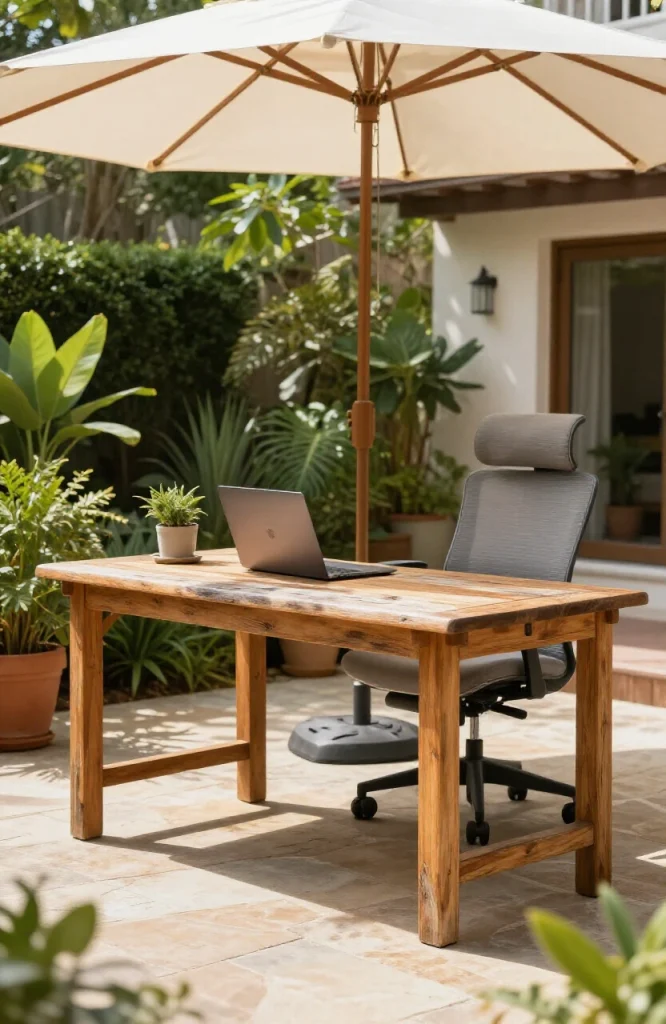
Best for: Anyone with access to a private outdoor space, content creators, writers
Working outdoors has real benefits for focus and mood, but direct sunlight on a laptop screen is a consistent problem. A shade canopy or umbrella positioned to block direct overhead sun makes outdoor working viable for hours at a time. Check the outdoor living options at homedeckor.com/category/outdoor-living/ for furniture that works in both contexts.
Key gear: Anti-glare screen protector or laptop hood, weatherproof laptop stand, portable power station, outdoor shade structure, portable WiFi router if the outdoor signal is weak.
Pro tip: Face away from direct sunlight rather than toward it. Morning hours before 11am offer the best light-to-glare ratio in most climates.
Setup 9: The Garage Studio Office
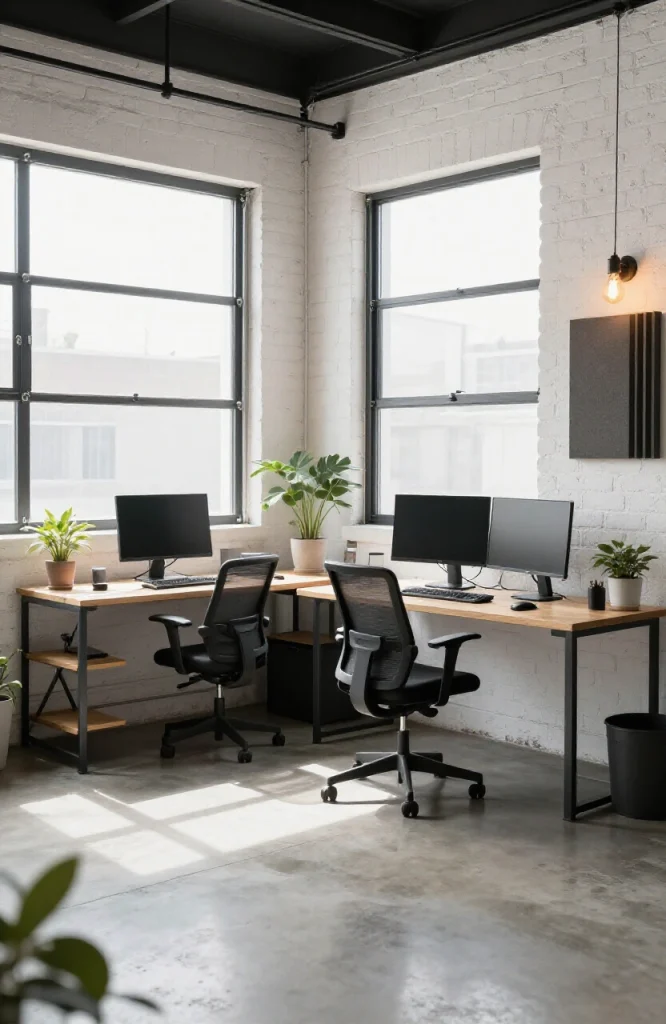
Best for: Content creators, designers, anyone needing soundproofing or dedicated creative space
A converted garage gives you space that a bedroom office can’t: room to spread out, separate from the rest of the house, and usually easier to soundproof. White-painted walls dramatically improve light levels in what is often a dim space. Add a portable heater for winter and a fan for summer if the garage isn’t climate-controlled.
Key gear: Acoustic foam panels, freestanding shelving, LED panels for even lighting, climate control (space heater or fan), heavy-duty extension cables.
Pro tip: Seal the gap under the garage door with a draft excluder. It reduces noise bleed and makes the space more comfortable year-round.
Setup 10: The Minimalist Floating Desk Setup
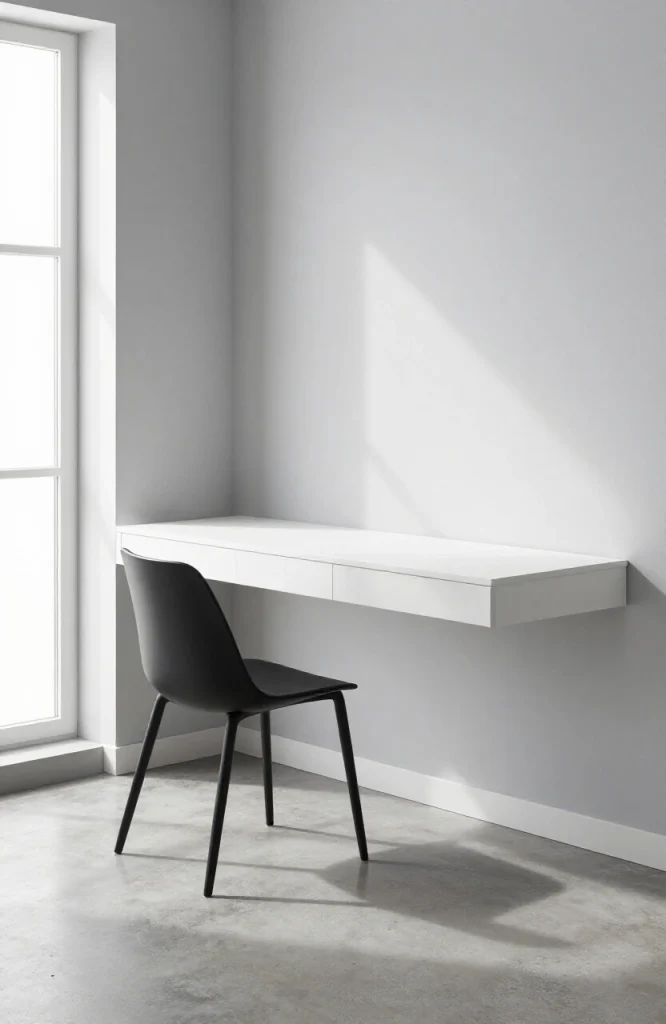
Best for: True minimalists, small apartments, people who find physical clutter distracting
A wall-mounted floating desk takes up zero floor space and disappears visually when the chair is tucked in. Going fully wireless (keyboard, mouse, headphones, charger) removes the last visual noise. This setup works best for people who do most of their work in one or two applications rather than juggling multiple physical tools.
Key gear: Wall-mounted folding or fixed desk, single monitor on a wall mount, wireless peripherals, recessed cable channel painted to match the wall.
Pro tip: Every item on the desk should earn its place. Remove anything you don’t use daily. The minimalist setup only works if the clutter stays off.
On-the-Go and Public Space Setups (11–18)
These setups work for remote workers who spend part of their week outside the home, whether by choice or by necessity.
Setup 11: The Coffee Shop Setup
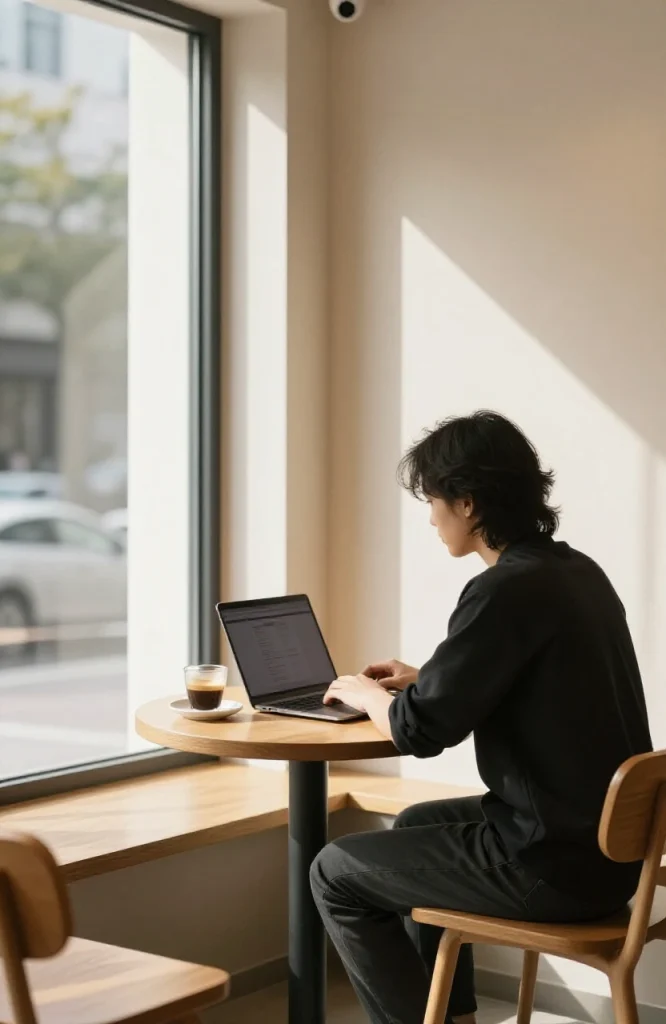
Best for: People who focus better with ambient noise, solo workers who need variety
Coffee shops work well for focused individual tasks like writing, reading, research, and email. They’re not suited to video calls without a private corner. The main risks are poor seating ergonomics and unreliable WiFi.
Key gear: Noise-canceling headphones, laptop privacy screen, portable power bank (to avoid competing for wall outlets), compact wireless mouse.
Pro tip: Arrive early, pick a seat with a wall behind you and an outlet nearby. Wall-backed seating makes any video call background look cleaner and prevents people walking behind you on screen.
Setup 12: The Library or Study Room Setup
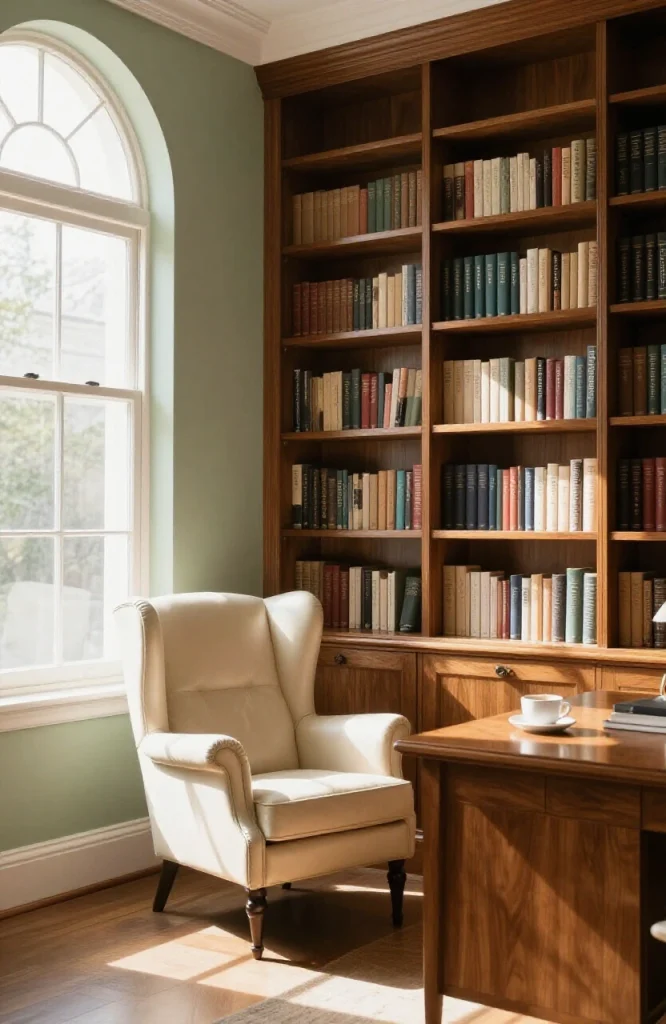
Best for: Writers, researchers, students, anyone doing deep-focus individual work
Public libraries offer a genuinely quiet environment with good seating and free WiFi, often overlooked by remote workers. Many libraries now have bookable private study rooms, which solve the video call problem entirely.
Key gear: Laptop and earbuds are enough. Download your files before leaving home in case the WiFi is slow.
Pro tip: Check your library’s website for private study room booking. Most offer them free for 2-hour blocks, and many have good acoustic separation for calls.
Setup 13: The Hotel Room Setup
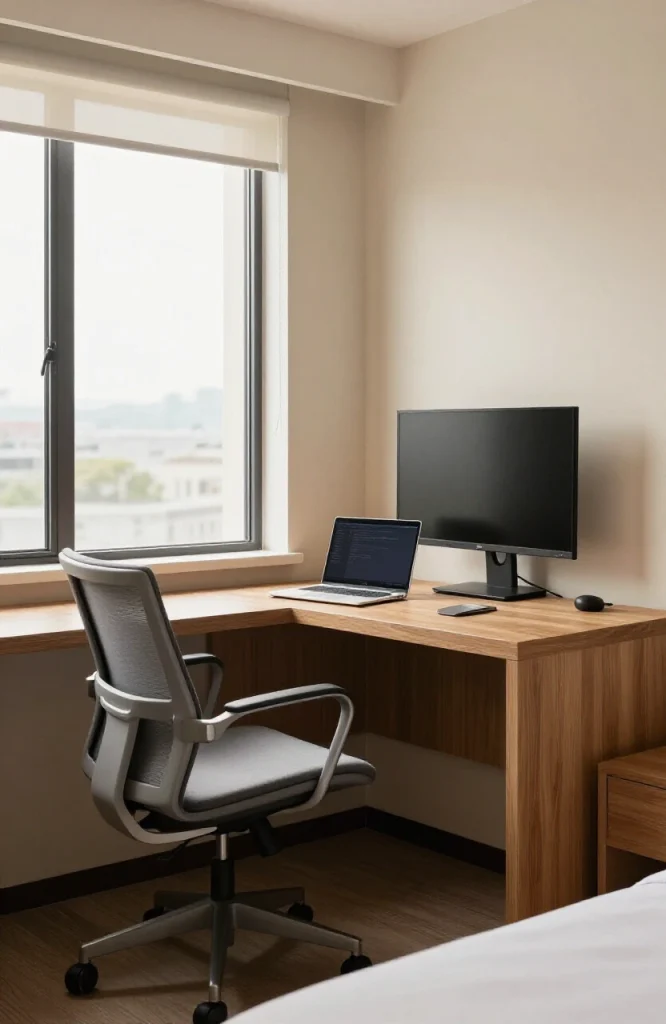
Best for: Business travelers, frequent flyers who need a professional workspace on the road
Hotel desks are functional but rarely ergonomic. The chair is usually too soft, the desk too low or too high, and the lighting too dim for video calls. A lightweight laptop stand, a travel mouse, and an HDMI cable to use the hotel TV as a second monitor solves most of these problems.
Key gear: Portable laptop stand, compact travel mouse, HDMI cable, USB-C hub for connectivity, clip-on portable light.
Pro tip: Call ahead and request a room with a proper writing desk rather than a side table. Hotels often have multiple room types and will accommodate the request when booking.
Setup 14: The Airport Lounge Setup
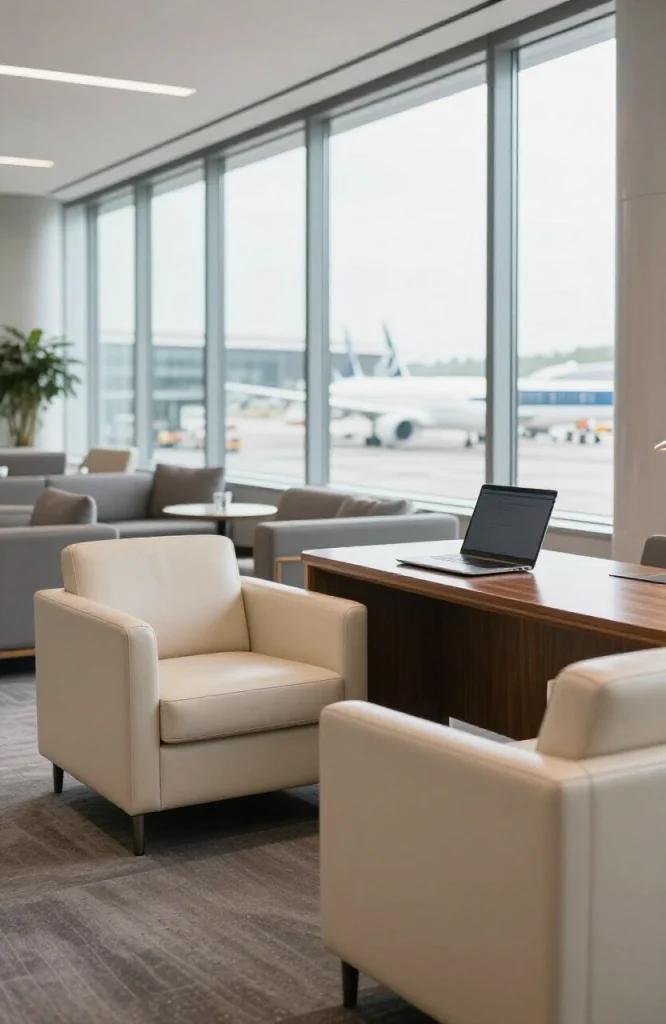
Best for: Frequent travelers with long layovers or connection gaps
Airport lounges, whether through airline status or a day pass, offer a far better working environment than the main terminal. Good seating, reliable WiFi, quiet, and consistent power outlets make them usable for real work. A privacy screen is useful here since seating is often side-by-side.
Key gear: Noise-canceling headphones, power bank as backup, laptop privacy screen, VPN active before connecting.
Pro tip: A Priority Pass membership or a premium credit card with lounge access pays for itself quickly if you fly more than four or five times a year.
Setup 15: The Train or Long-Commute Setup
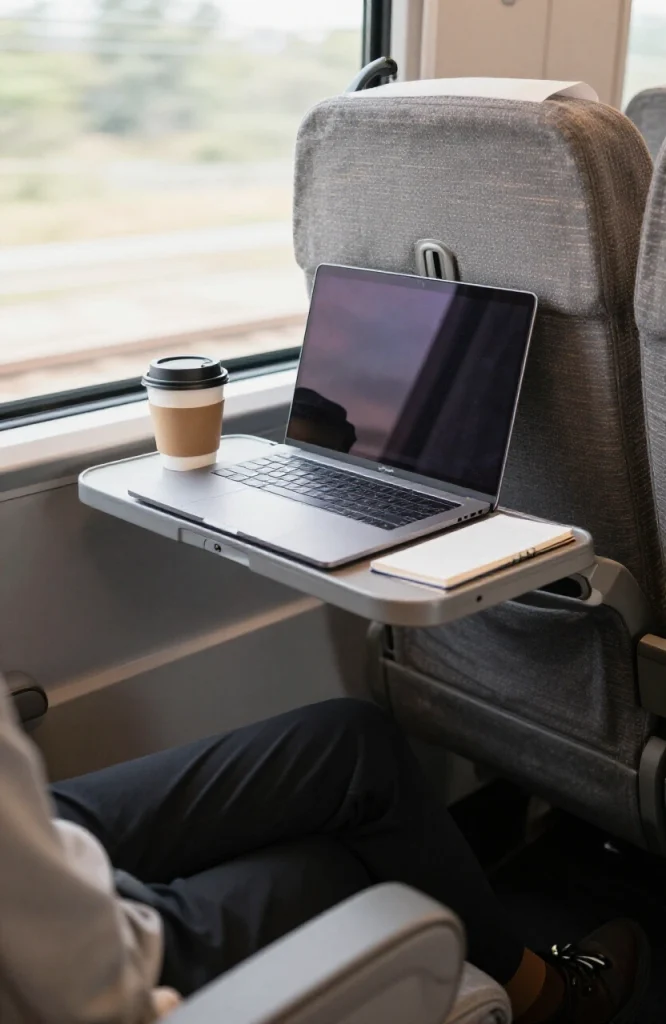
Best for: Hybrid workers with 30-to-90 minute rail commutes
Train commutes are some of the most underused working time in a hybrid worker’s week. The swaying motion and narrow tray tables make long documents and precision tasks difficult, but email, reading, reviewing documents, and audio calls in quieter carriages all work well.
Key gear: Lightweight laptop, lap desk for stability on the tray table, mobile hotspot for connectivity in tunnels and rural sections, noise-canceling headphones.
Pro tip: Use commute time for triage, planning, and reading rather than for calls or deep creative work. The environment suits reactive tasks more than generative ones.
Setup 16: The Car or Van Mobile Office
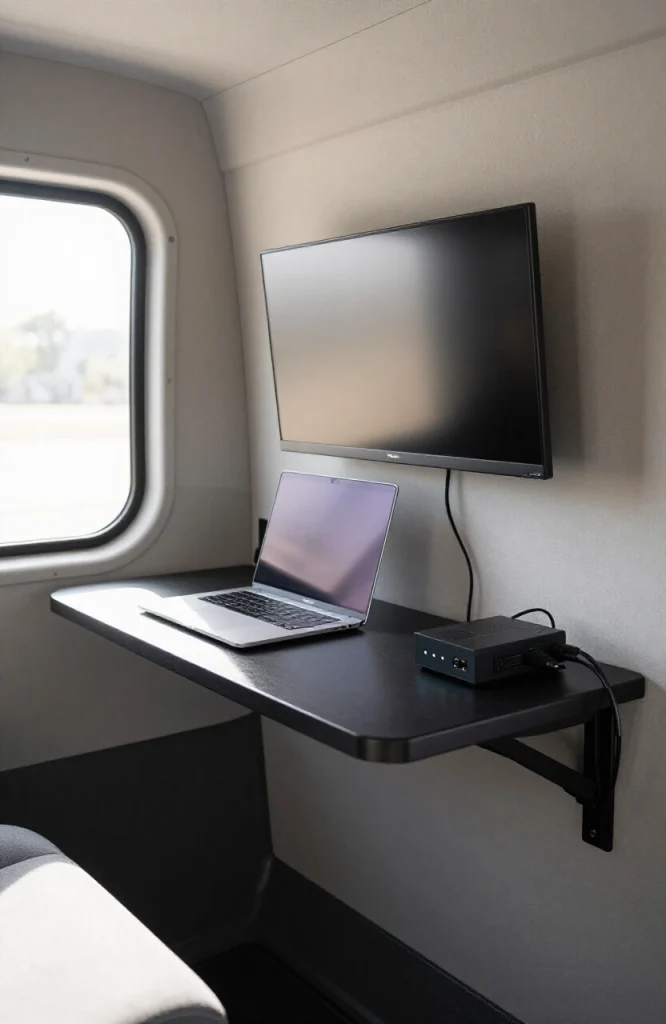
Best for: Field workers, mobile sales professionals, van-lifers, people moving between job sites
A vehicle office needs two things above everything else: power and a proper surface. A power inverter or portable power station handles the first. A rear-seat lap desk or a purpose-built van desk handles the second. A cellular router provides more stable connectivity than a phone hotspot for extended sessions.
Key gear: Car power inverter or portable power station, rear-seat laptop desk, cellular mobile router, window sun shades to reduce glare and heat.
Pro tip: Park facing away from the sun when working from a vehicle. Heat buildup inside a car significantly reduces battery life and working time.
Setup 17: The Coworking Day-Pass Setup
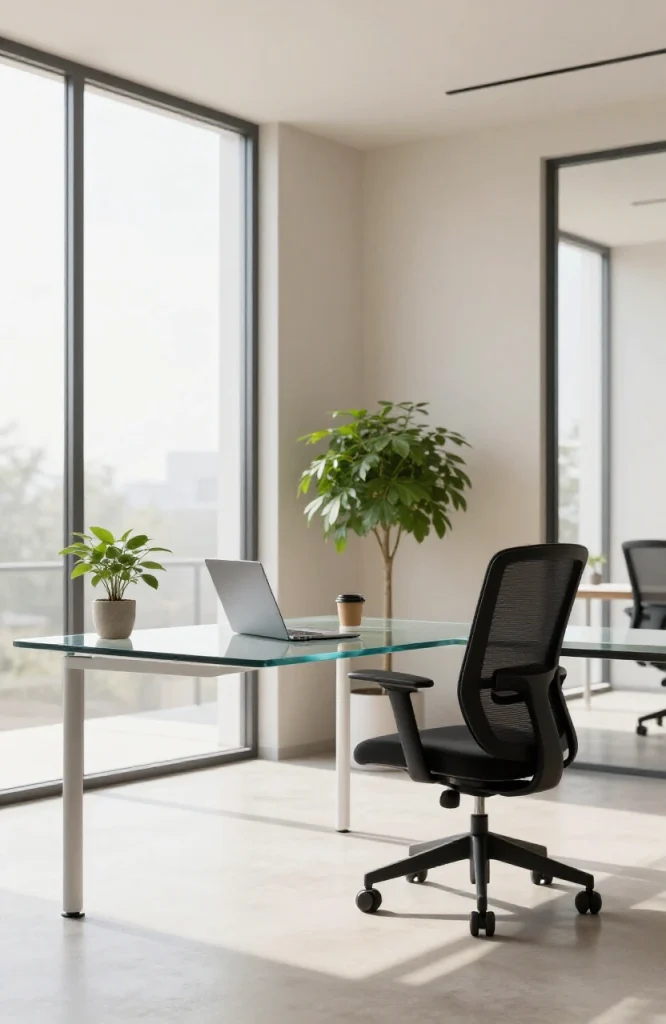
Best for: Remote workers who occasionally need a professional environment without a monthly commitment
Most coworking spaces sell day passes. You get a desk, fast WiFi, a proper chair, and a professional address for the day. This works well before client meetings, for team in-person days, or when your home setup becomes too distracting.
Key gear: Just your standard laptop bag. The space provides everything else. Bring a framed photo or a small personal item if you want to make the desk feel less temporary.
Pro tip: Try two or three different coworking spaces before committing to a membership. Quality, community, and noise levels vary significantly between locations.
Setup 18: The On-Demand Private Day Office
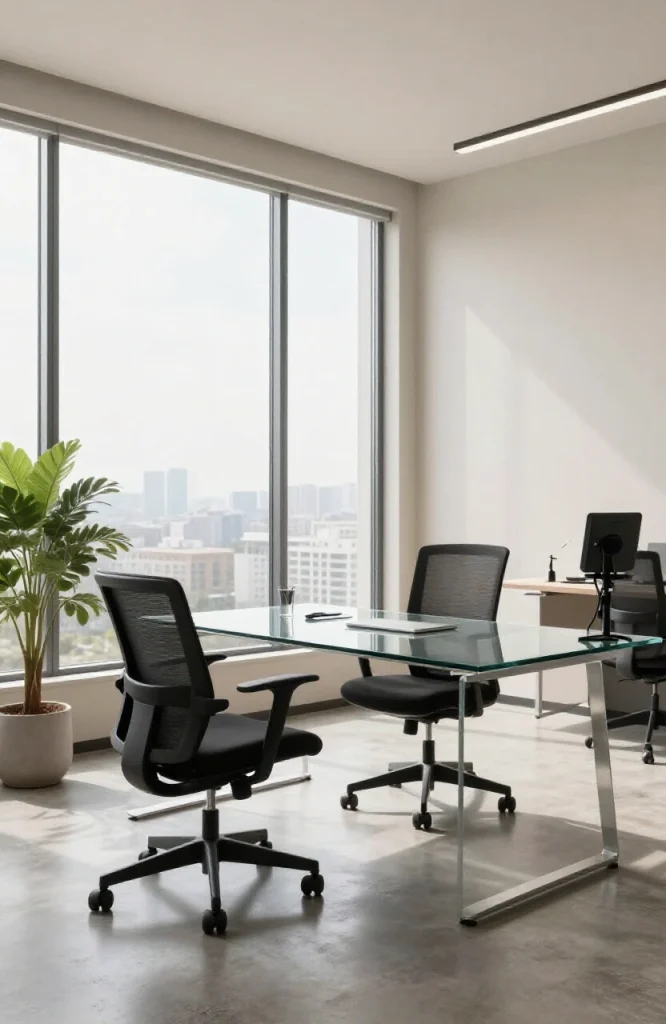
Best for: Client-facing professionals, team leads running weekly syncs, confidential calls
On-demand private offices through providers like Davinci Meeting Rooms or LiquidSpace give you a professional enclosed room for a few hours at a time. No lease, no long-term cost, no coworking noise.
Key gear: Your laptop and presentation equipment. The room provides WiFi, a proper desk, and usually a display or screen.
Pro tip: Book in 2-hour blocks rather than full days unless you know you need the whole day. Most productive sessions land in focused 90-to-120 minute stretches anyway.
Nomadic and Travel Setups (19–24)
These setups are for people whose office genuinely moves with them, whether across cities or across continents.
Setup 19: The Digital Nomad Minimalist Kit
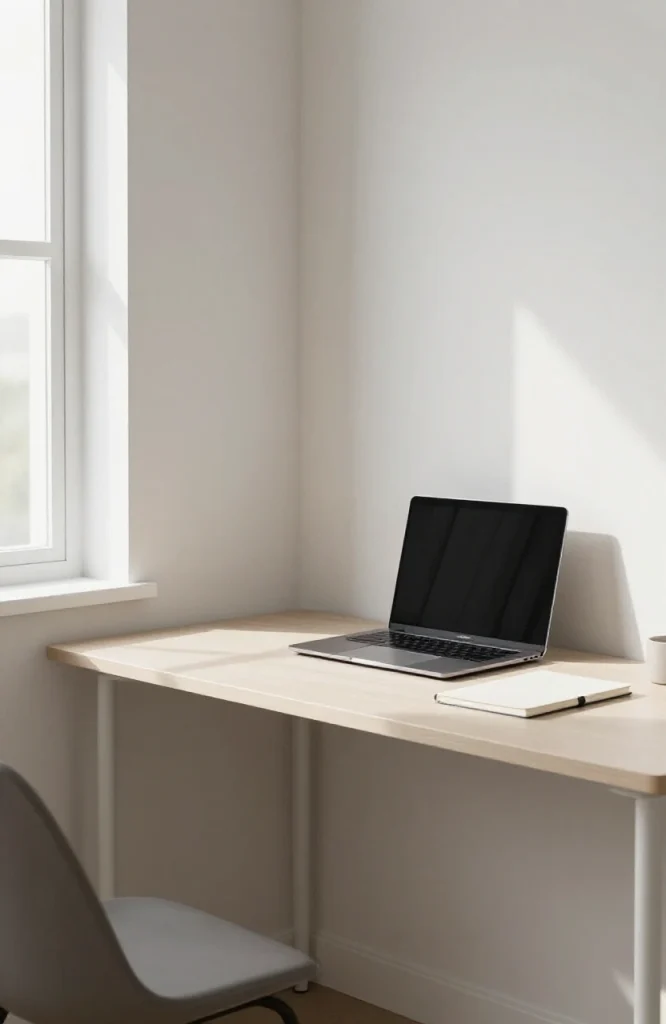
Best for: Location-independent workers who travel constantly
The minimalist nomad kit centers on a single bag that carries everything needed to work for a full day from anywhere. Every item earns its place by weight and necessity. The most common mistake is starting too heavy and then gradually abandoning gear on the road.
Key gear: Ultra-light laptop under 1.3kg, folding travel mouse, 20,000mAh power bank that can charge the laptop, USB-C hub for one-cable connectivity, packing cube dedicated to tech.
Pro tip: Build redundancy into the system. A secondary device (even a tablet with a keyboard), offline-capable apps, and all files synced to the cloud protect against the hardware failure that will eventually happen.
Setup 20: The Short-Term Rental or Furnished Apartment Setup
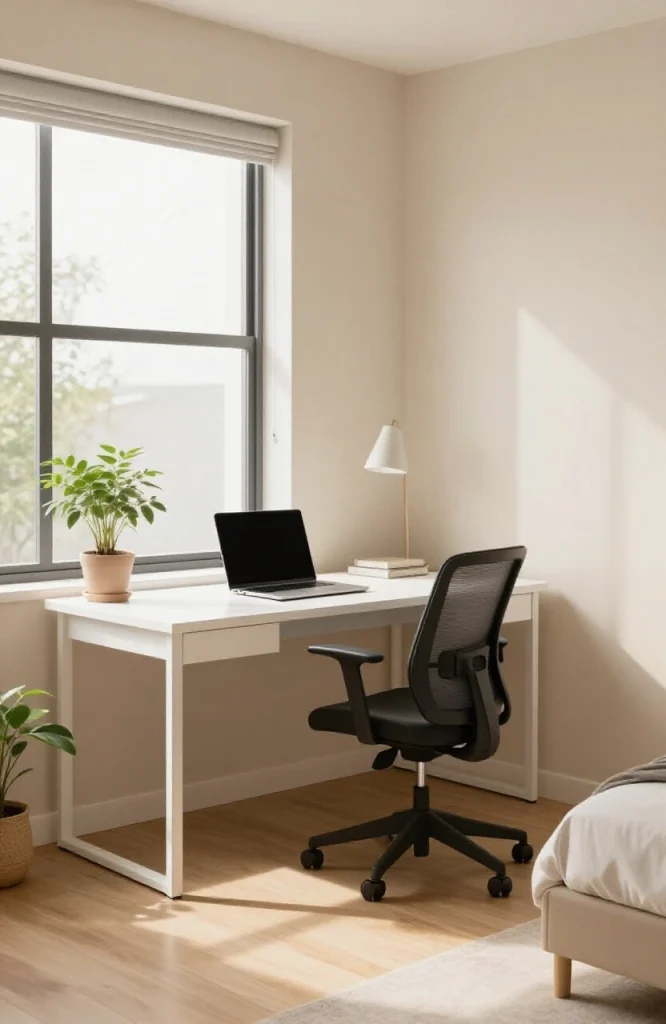
Best for: Remote workers relocating monthly, slow travelers, professionals on project-based contracts
Furnished short-term rentals vary enormously in workspace quality. Some have proper desks and ergonomic chairs. Many have dining tables and soft sofas. A portable monitor, laptop stand, and a lightweight travel keyboard add a professional layer to almost any rental setup.
Key gear: Portable 15-inch USB-C monitor, compact laptop stand, travel keyboard, cable pouch with all adapters.
Pro tip: Filter listing platforms for “dedicated workspace” when searching. It’s not a guarantee, but rentals that flag this feature are more likely to have a real desk rather than a coffee table.
Setup 21: The Coliving Space Setup
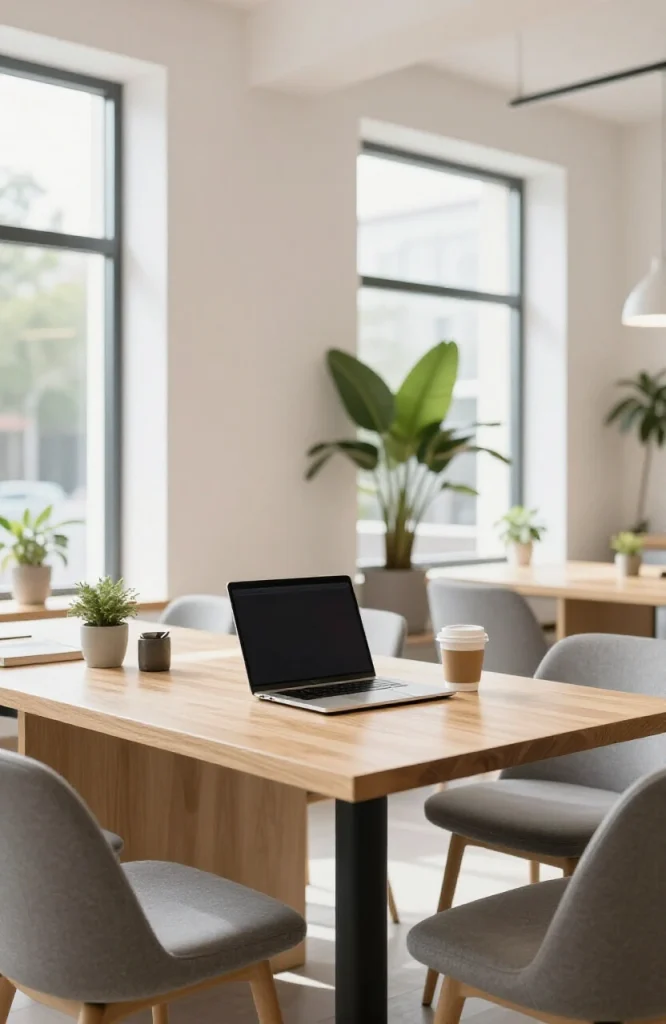
Best for: Digital nomads who want community alongside workspace
Coliving spaces combine furnished accommodation with shared professional workspace, common areas, and a built-in community of remote workers. The space itself handles most of the setup, including the desk, WiFi, and meeting rooms. Your kit stays minimal.
Key gear: Your laptop bag essentials. Coliving spaces provide the infrastructure.
Pro tip: Research specific coliving spaces before booking. The community quality and workspace reliability differ significantly between operators. Read recent reviews rather than relying on the operator’s own descriptions.
Setup 22: The International Nomad Setup (Visa-Ready)
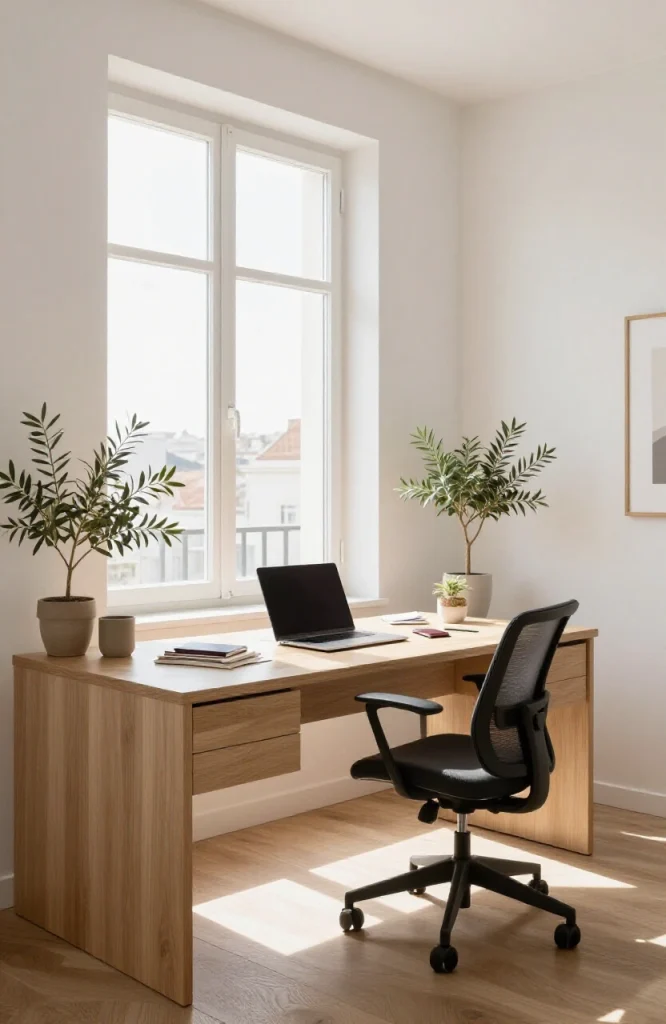
Best for: Workers using digital nomad visas in Portugal, Spain, UAE, Indonesia, or other participating countries
Working legally in a foreign country requires planning beyond the workspace itself: tax residency, healthcare, local banking, and visa compliance. For the physical workspace, a travel router ensures you can create a private network in any apartment or hotel, and a local SIM card provides faster and cheaper data than roaming.
Key gear: Travel router, universal power adapter covering EU/UK/US/AUS formats, local SIM card for the destination country, VPN subscription.
Pro tip: Research electrical outlet standards and voltage before each destination. Most modern laptops and devices handle 100-240V automatically, but older chargers sometimes don’t.
Setup 23: The Outdoor Nomad or Beach Setup
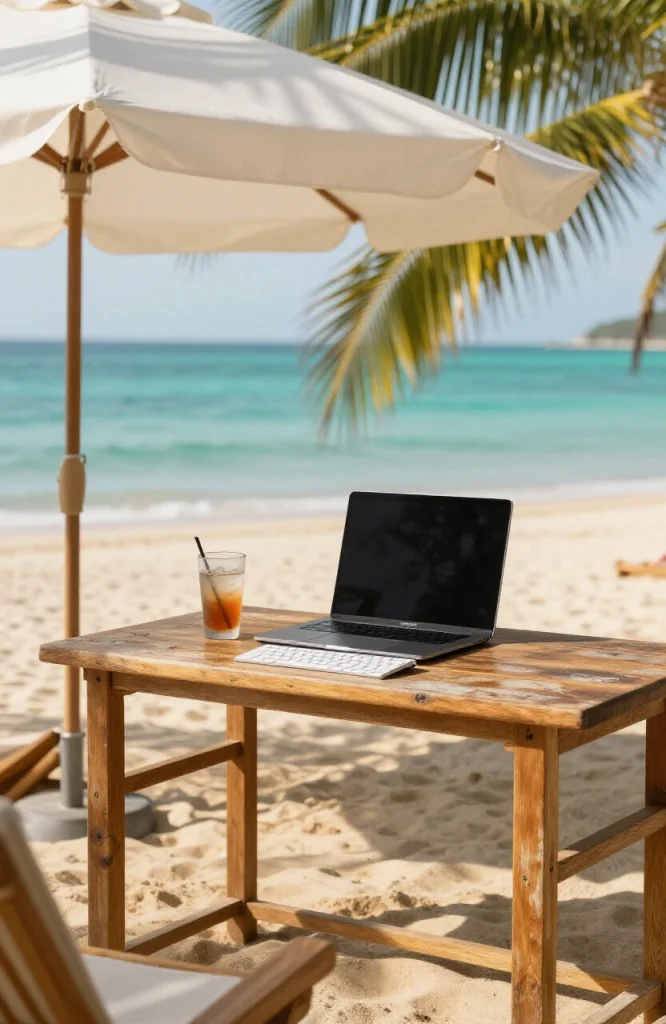
Best for: Warm-climate remote workers, lifestyle-first nomads
Working outdoors in sunny locations looks appealing and sometimes is, but the practical barriers are real: screen glare, heat affecting battery performance, unreliable café WiFi near beaches, and laptop keyboards that collect sand. The right gear solves most of these.
Key gear: Anti-glare matte screen protector, portable shade structure or sunshade, solar power bank for supplemental charging, waterproof bag for equipment.
Pro tip: WiFi near beaches and in resort areas is often congested and slow. Always have a cellular hotspot ready. Treat outdoor beachside work as a morning activity before tourist WiFi traffic peaks.
Recommended:10 Inspiring Home Office Nook Ideas for Small Spaces in 2025
Setup 24: The “Workcation” Hotel or Resort Setup
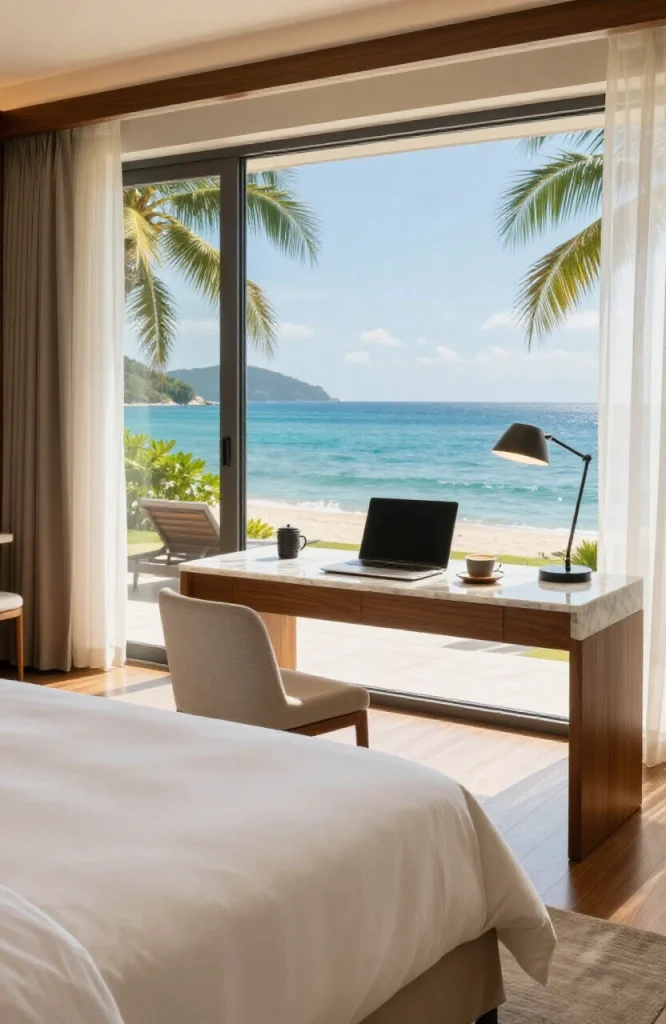
Best for: Professionals blending a focused work period with a travel destination
A workcation works when the work schedule is clearly defined and the travel element sits around it rather than through it. Morning work sessions, afternoon leisure, evening social time. The workspace at the hotel needs to support video calls and focused sessions.
Key gear: Standard travel kit plus an HDMI cable to use the hotel TV as a second monitor, a portable ring light for calls.
Pro tip: Book rooms with a proper desk as a specific requirement. Request a high floor or quiet wing if noise is likely. Negotiate a late checkout if your work hours run into the afternoon.
Shared and Professional Workspace Setups (25–30)
These setups are for business owners, hybrid employees, and professionals who use shared or rented professional environments.
Setup 25: The Coworking Space Dedicated Desk
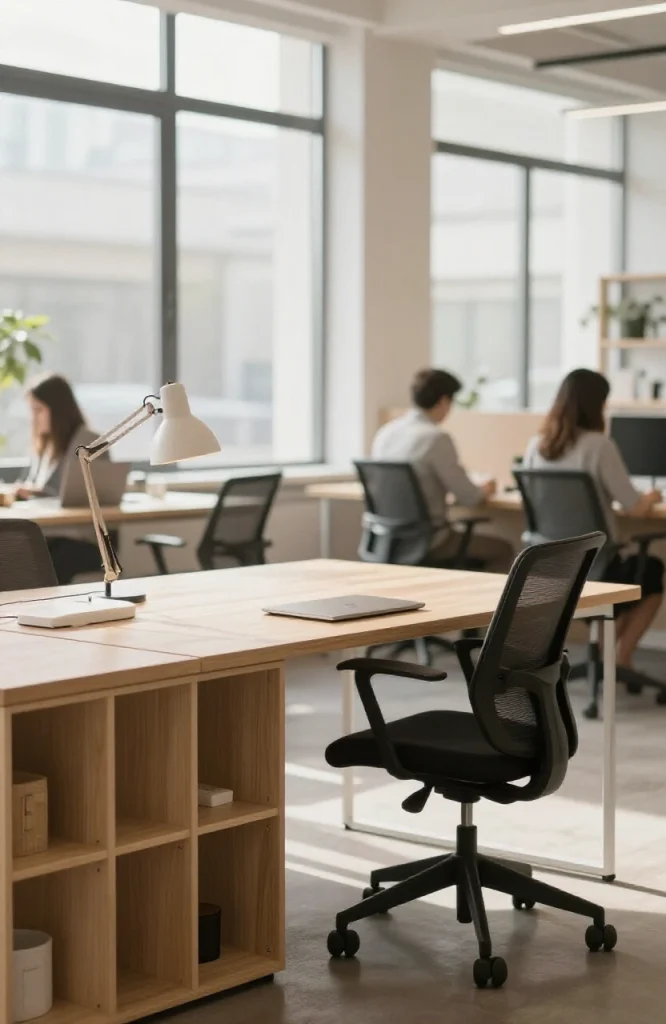
Best for: Remote workers who want daily consistency without a private office lease
A dedicated desk in a coworking space means the same spot every day, your own storage, and the ability to leave some gear there permanently. It’s significantly cheaper than a private office while providing a professional daily environment.
Key gear: Your laptop as the core. Leave a monitor, keyboard, and mouse at the desk permanently to reduce what you carry each day.
Pro tip: Choose a coworking space where the community matches your industry or work style. The networking value of being around relevant people can be worth more than the desk itself.
Setup 26: The Hot-Desking Setup
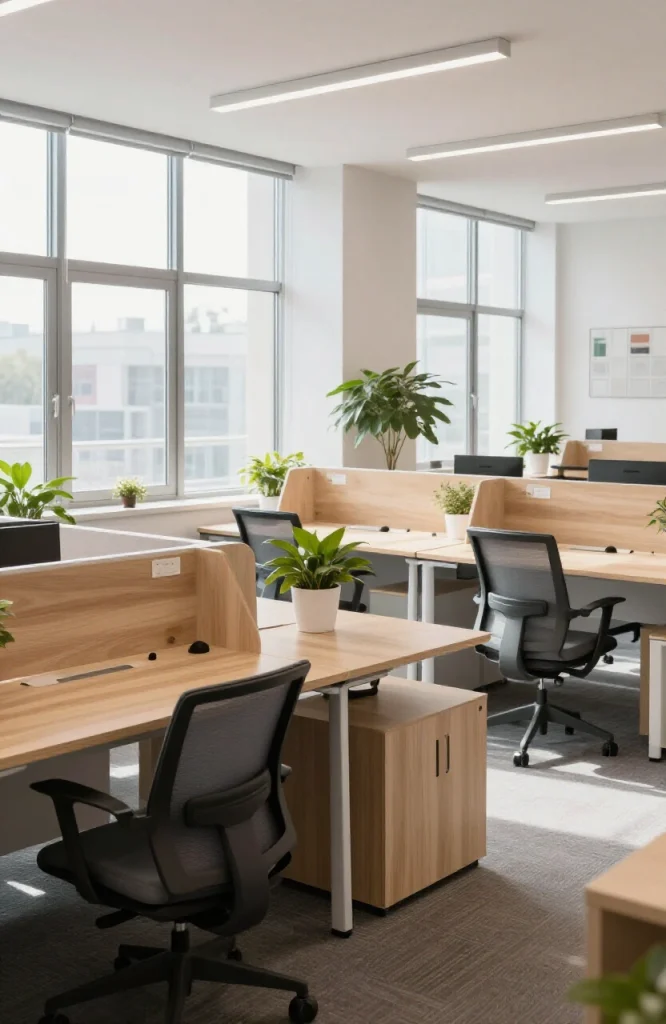
Best for: Hybrid employees who are in a physical office one or two days a week
Hot-desking means working from any available desk each visit, rather than having a fixed spot. It works when your files and tools live entirely in the cloud and you travel light. The frustration is finding a good desk on busy days.
Key gear: A complete laptop bag that holds everything you need, a USB-C docking station that connects your laptop to any monitor in a few seconds, cloud storage for all files.
Pro tip: Arrive early on your office days. Hot-desking spaces fill with the best seats first. The desks near natural light go fastest.
Setup 27: The On-Demand Meeting Room
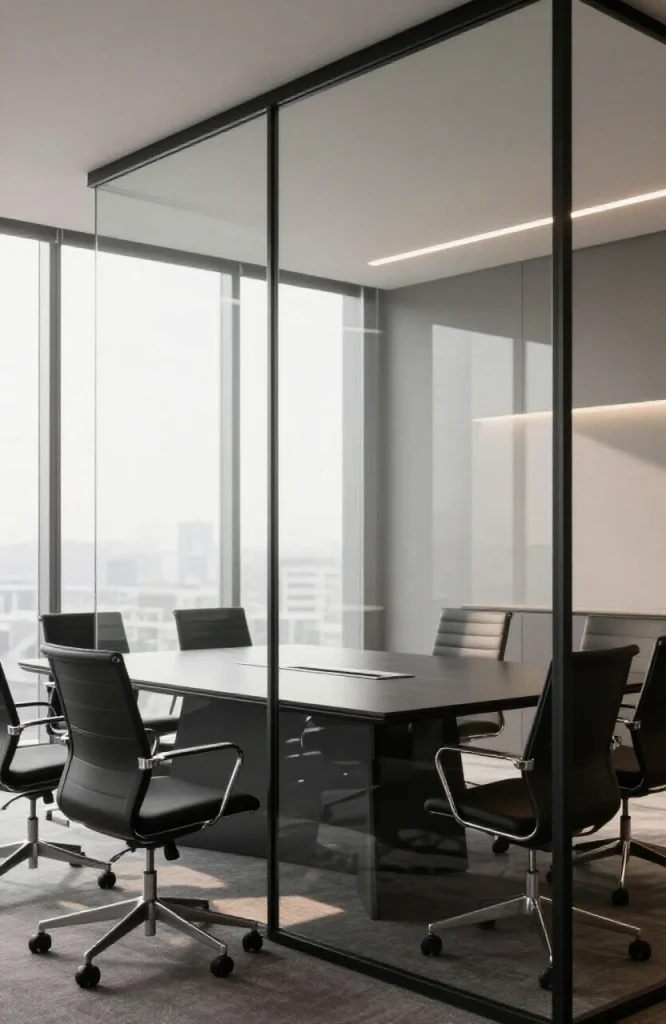
Best for: Client-facing professionals, team leads running regular syncs, anyone presenting to external stakeholders
A bookable professional meeting room, available by the hour, gives small businesses and solo professionals access to client-ready spaces without a permanent office. Many coworking providers offer these as add-ons to day pass memberships.
Key gear: Presentation laptop, a portable conferencing camera for hybrid meetings, a clicker for slide control, and whatever printed materials the meeting requires.
Pro tip: Test the room’s technology before the client arrives. Connector types, screen resolutions, and audio systems vary between rooms and providers.
See also:Home Office Lighting Ideas: The Complete Guide to a Brighter
Setup 28: The Pop-Up or Event Workspace
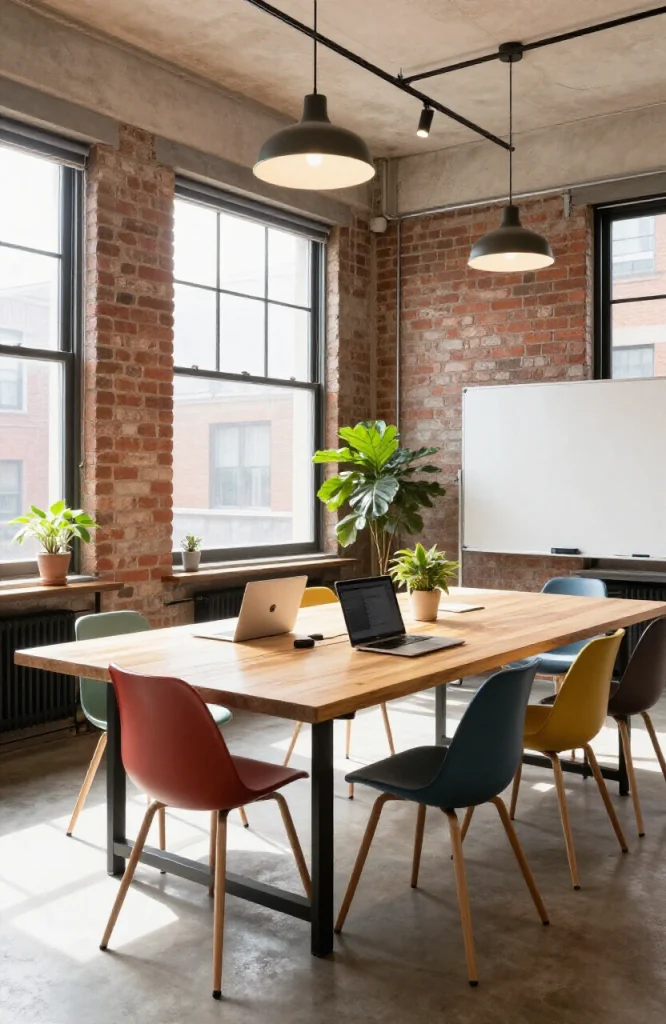
Best for: Project-based teams, creative brainstorming sessions, product launch periods
Pop-up workspaces are temporary setups in urban storefronts, unused commercial spaces, galleries, or outdoor areas. They work for specific projects where a fresh environment and a defined end date both add value. The space itself provides the infrastructure.
Key gear: Your standard laptop kit plus any branded or presentation materials specific to the project.
Pro tip: The energy of a new, unfamiliar space is a real creative factor. Book pop-up spaces for project kickoffs and creative sprints rather than for routine daily work.
Setup 29: The Virtual Office With Physical Address
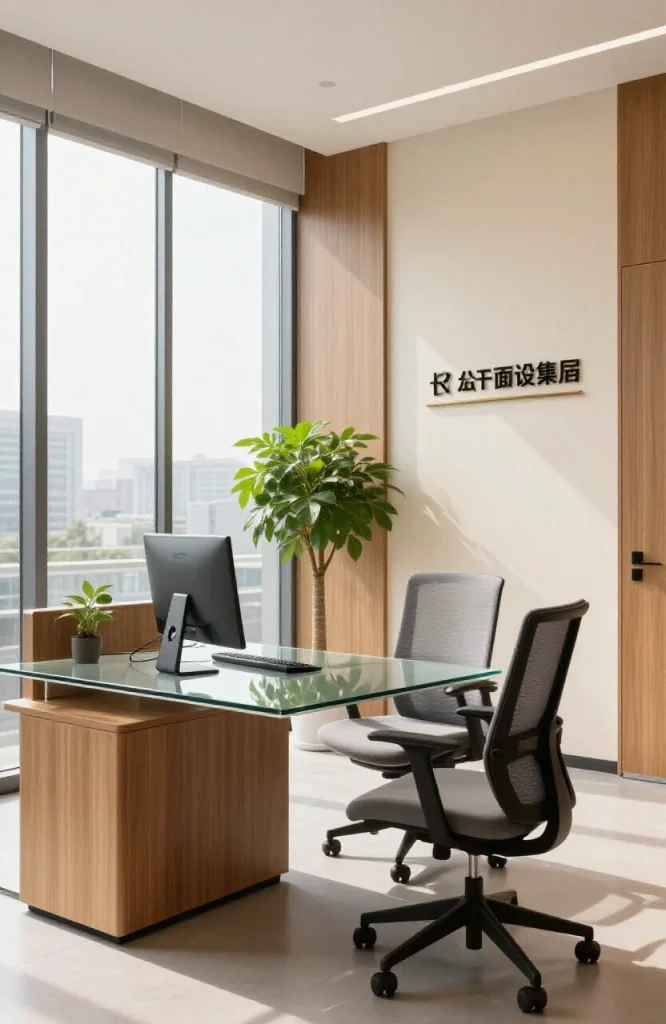
Best for: Freelancers, consultants, and solo entrepreneurs who need a professional business address without a physical space
A virtual office provides a registered business address, mail handling, and sometimes a receptionist service. For client-facing work and business registration purposes, it removes the need to use a home address publicly.
Key gear: Your home or travel setup handles the actual work. The virtual office handles the professional front.
Pro tip: Pair a virtual office address with occasional day office bookings at the same provider. You get the address plus a real desk when you need one, at a fraction of a traditional lease cost.
Setup 30: The Hybrid HQ Setup (Home and Office Blended)
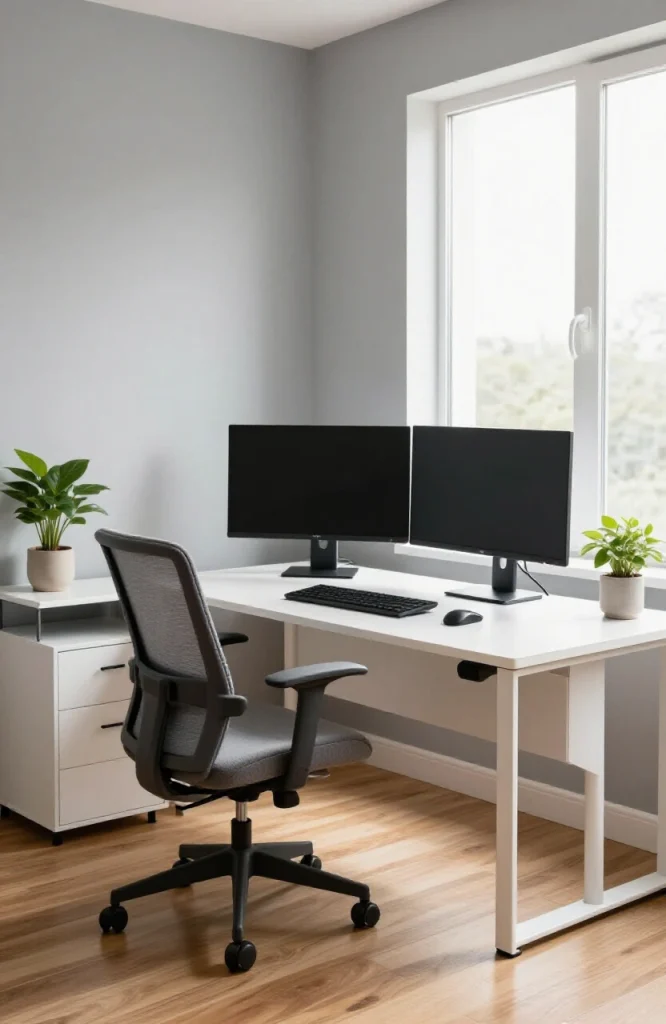
Best for: Hybrid employees balancing two or three work-from-home days with office days each week
The hybrid setup requires two synchronized workstations: a proper home office and a locker or dedicated kit at the employer’s office. The goal is zero friction when switching between locations. Everything syncs automatically. No files exist only on one machine. No cables get forgotten.
Key gear: Two synchronized laptop setups or a universal docking station at each location, cloud sync running constantly, a second set of charger cables at the office so you never carry them.
Pro tip: Keep identical charger sets at both locations permanently. The lost-charger problem sounds trivial but disrupts focus and productivity more than it should.
How to Choose the Right Setup for Your Situation
The 30 setups above cover a wide range of circumstances. If you’re not sure where to start, use these filters:
Work type first. Deep focus writing and coding benefit from quiet, private setups (1, 2, 3, 10, 12). Call-heavy and client-facing roles need better AV equipment and professional backgrounds (5, 27). Travel-based roles need lightweight, redundant kit (19, 20, 22).
Space constraints second. Small apartment with no spare room: setups 2, 3, 4, or 10. Access to a larger home space: setups 1, 5, 6, 7, 8, or 9.
Budget third. The lowest-cost setups are the home-based ones (1–10) and public spaces (11, 12). Mid-range: coworking day passes and on-demand offices (17, 18, 27). Higher investment: dedicated desks, private offices, coliving.
Frequency of travel. If you travel fewer than four days a month, optimize the home setup and keep a minimal travel kit. If you travel more than two weeks a month, the nomad and hotel setups (19–24) deserve full investment.
The Gear That Works Across All 30 Setups
| Category | What to Look For | Why It Matters |
|---|---|---|
| Laptop | Under 1.4kg, 10+ hour battery, good keyboard | Carries everything else |
| Internet backup | 4G/5G hotspot | Removes connectivity anxiety |
| Power | 20,000mAh+ power bank that charges laptops | Outlet independence |
| Ergonomics | Portable laptop stand + compact wireless keyboard | Prevents neck and wrist strain away from home |
| Audio | Noise-canceling headphones + compact microphone | Focus and professional call quality |
| Lighting | Clip-on ring light | Better video calls from any location |
| Organization | Dedicated tech pouch + cloud storage for everything | Protects gear and ensures file access |
| Privacy | Laptop privacy screen | Security in public spaces |
Habits That Make Any Flexible Setup Work Better
Associate locations with task types. Deep writing at the home desk. Email triage on the train. Client calls from the dedicated room or private coworking space. When your brain connects a location with a task type, it shifts into that mode faster.
Keep your files in the cloud, not on the device. The biggest single productivity risk in a flexible setup is a file that exists only on one machine. Cloud-first tools (Google Workspace, Dropbox, Notion) remove this risk entirely.
Batch your video calls. Switching between calls, deep work, and email throughout the day is inefficient. Designate blocks for each. Tuesday and Thursday mornings for calls, Monday and Wednesday for focused work, for example.
Do a weekly workspace reset. Physical and digital clutter both accumulate. A 10-minute reset every Friday, clearing the desk surface and the desktop folder, keeps the setup functional and your head clearer at the start of each week.
Protect transition time. In a home office, the commute used to provide mental decompression between work and home life. Without it, build a substitute: a short walk, a specific ritual, a physical action that marks the end of work. It’s a simple habit that prevents the hours blurring together.
Frequently Asked Questions
What is the most important piece of gear in a flexible workspace setup?
Reliable internet access, followed closely by an ergonomic seating position. A 4G hotspot and a laptop stand cost relatively little and solve the two most common problems: connectivity loss and physical discomfort.
Can a flexible workspace setup work in a small apartment?
Yes. The under-stairs office (Setup 2), the closet conversion (Setup 3), the living room corner (Setup 4), and the floating desk (Setup 10) all work in under 25 square feet. The constraint is clutter management, not floor space.
What is the difference between hot-desking and coworking?
Hot-desking means using any available desk in a shared office, usually provided by your employer. Coworking means paying to work in a shared professional space alongside other businesses and individuals, typically offered by a third-party provider.
What gear is essential for a portable workspace kit?
Lightweight laptop, mobile hotspot, noise-canceling headphones, portable power bank, laptop stand, compact wireless mouse, and a USB-C hub. That kit covers most situations for most remote workers.
Do flexible workspaces actually improve productivity?
Research consistently shows that workers with control over their environment report higher job satisfaction and better output. The key factor is having a setup that matches the type of work being done, not just having any flexible arrangement.
Conclusion
Flexible workspace setups aren’t one-size-fits-all. The right arrangement depends on what you do, where you are, and how your workday is structured. Start with the essentials, good internet, decent ergonomics, and cloud storage, then pick the setup from the list above that fits your actual situation. Upgrade it over time as your needs become clearer.
For more ideas on home design and workspace integration, browse the home office design ideas on HomeDeckor, or check the guides section for more in-depth room-by-room advice.