
Good lighting can be the difference between a focused, energising workday and an afternoon of squinting, headaches, and low motivation. If you’ve ever finished a long session at your desk feeling drained or found yourself looking washed-out on video calls, the problem is almost certainly your home office lighting setup, not your work itself.
This guide covers everything: the science behind why lighting matters, a fixture-by-fixture breakdown of the best home office lighting ideas, specific solutions for tricky situations (no windows, small rooms, tight budgets), a plain-English guide to Kelvin and lumens, and a step-by-step walkthrough for putting it all together.
Why Home Office Lighting Matters More Than You Think

Most people treat lighting as an afterthought, choosing whatever bulb came in the ceiling fixture and calling it done. But research suggests that’s a mistake worth fixing.
The Link Between Lighting and Productivity
Cornell University researchers found that employees working near natural light reported significantly better sleep, physical activity levels, and quality of life compared to those without access to it. Poor artificial lighting, on the other hand, contributes directly to headaches, eye fatigue, and reduced concentration over the course of a workday.
Beyond eye strain, your lighting also affects your circadian rhythm, the internal clock that regulates energy, focus, and sleep. Cool, bright light in the morning signals your body to stay alert. Warm, dim light in the evening helps it wind down. When your home office ignores this, you end up fighting your own biology all day.
The 3 Layers Every Home Office Needs
A well-lit workspace uses three types of light working together:
Ambient lighting is your base layer, providing the general illumination that fills the room. Think ceiling fixtures, recessed downlights, or a good floor lamp in the corner.
Task lighting is focused and directed at your work surface. Your desk lamp lives here, cutting shadows and making it easier to see what you’re actually doing.
Accent lighting adds depth, warmth, and visual interest. Bias lighting behind your monitor, LED strips under shelves, or a decorative wall sconce all fall into this category.
Getting all three working together (often called layered lighting for home office setups) is what separates a genuinely good workspace from one that just technically has lights in it.
The Best Home Office Lighting Ideas, By Type
1. A Dedicated Desk Lamp (Task Lighting)
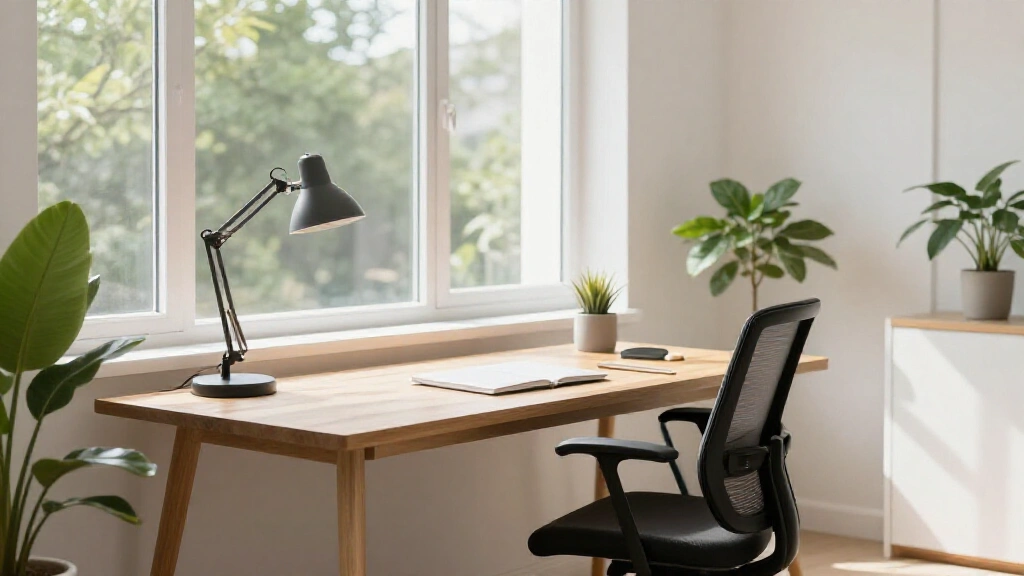
A quality desk lamp is the single most impactful upgrade most home workers can make. It puts targeted light exactly where you need it, reduces glare on your monitor, and cuts the eye-flattening shadows that a single overhead bulb creates.
What to look for: an adjustable arm (so you can direct it precisely), a built-in dimmer, and a colour temperature between 4000K and 5000K for clear, alert-but-not-harsh light. Aim for a CRI (Colour Rendering Index) of 90 or above, which measures how accurately the light renders colours and matters when you’re switching between a screen and printed documents.
Position tip: place the lamp on your non-dominant hand side to avoid casting a shadow across your work surface. You want 300–500 lux landing on the desk itself.
2. Ambient Ceiling Lighting
Your overhead light is the foundation everything else builds on. A single bare bulb in the centre of the ceiling is the worst option, as it creates harsh shadows, uneven brightness, and very little warmth.
Recessed downlights give the cleanest result if you’re fitting a new room. Flush mount fixtures or semi-pendants work well in standard-height spaces. Whatever you choose, install it with a dimmer switch. The ability to dial brightness up or down throughout the day is something you’ll use every single day.
Target 4000K for the main ambient layer: it reads as neutral white, supports concentration, and works well in both daylight and after-dark hours.
3. Natural Light Optimisation
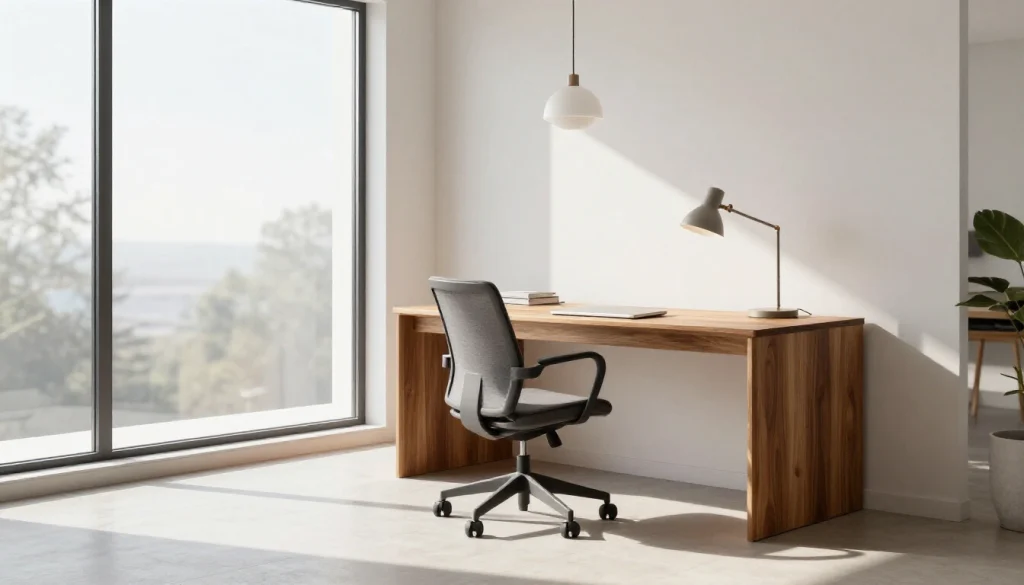
Natural light is the best light source available for a home office, but it needs managing. Direct sunlight through a south-facing window can create glare that makes your screen unreadable and heats the room uncomfortably.
The key move: position your desk perpendicular to the window, not facing it or with your back to it. A desk facing the window sends direct glare into your eyes; a desk with a window behind you casts your shadow across your screen. Perpendicular placement gives you the brightness benefit without the problems.
Use sheer curtains or diffusing blinds to soften direct sunlight without blocking it entirely. Light-coloured walls and strategically placed mirrors can carry natural light deeper into the room if your office doesn’t get much direct sun.
If you’re setting up your workspace within a larger room, our guide to home office nook ideas covers how to position a desk to make the most of whatever natural light is available in the space.
4. LED Light Strips and Bias Lighting
Bias lighting is a strip of light placed behind your monitor that reduces the contrast between the bright screen and the darker room around it. That contrast is a major driver of digital eye strain, and addressing it with a simple LED strip can make a real difference over a full day of screen work.
The correct colour temperature for bias lighting is 6500K (daylight white), so it doesn’t compete with or distort the colours on your screen. USB-powered LED strips are cheap, easy to install without any wiring, and do the job well.
Beyond the monitor, LED strips under shelves or along the underside of a wall-mounted cabinet make a clean secondary light source that adds ambient glow to the desk area without bulk.
5. A Floor Lamp for Ambient Fill
Floor lamps earn their place in home offices that need ambient fill without major ceiling work. An uplighting style, where the lamp sends light up to the ceiling and back down, creates soft, diffused illumination that works particularly well as a layer in larger rooms or against darker walls.
They’re also the go-to solution for evening work sessions, when you want to reduce the overhead contrast but still see clearly. Position one in a corner opposite your primary light source for the most even coverage.
6. Wall Sconces
Wall sconces are the space-saver’s answer to layered lighting. They add ambient and accent light without occupying any floor or desk space, which makes them especially practical in narrow or compact offices.
Hardwired sconces give a cleaner look and often more options, but plug-in corded versions are a much easier install and work well for renters who can’t make permanent changes. Either way, position them at roughly eye level (when seated) on the wall beside or across from your desk.
7. Pendant Lights
A pendant or pendant cluster above a desk is one of the stronger design moves in a home office, as it creates a clear visual focus point, adds architectural interest, and provides ambient light that feels intentional rather than generic.
This works best in rooms with ceiling height of at least 2.5 metres. The standard hanging height is 30–36 inches (75–90cm) above the work surface. Pair with a dimmer to give the pendant full range, from bright daytime working light to a warmer, lower-key evening glow.
8. Smart Lighting Systems
Smart bulbs and smart switches add a layer of automation that genuinely pays off in a work-from-home setup. The most useful feature is the ability to schedule colour temperature shifts throughout the day: cool (5000K) at 8am when you need focus, neutral (4000K) through the afternoon, and warm (3000K) by 6pm to help your body start winding down.
Systems like Philips Hue and LIFX connect with Alexa, Google Home, or Apple HomeKit and allow voice control, app automation, and preset scenes you can switch between with one tap. Some offer dedicated “circadian” or “natural light” programmes that handle the whole daily arc automatically.
9. Ring Light or Panel Light for Video Calls
This is the section most lighting guides skip entirely, and it’s the most immediately visible upgrade you can make if you spend time on Zoom, Teams, or Google Meet.
The core rule: your key light should be at eye level, in front of you. Not overhead (which creates unflattering shadows under the eyes), not from below (which looks actively unsettling), and not from behind you, which turns you into a silhouette.
A ring light is compact and works well in tight spaces or when positioned on a desk arm. An LED panel covers more ground and creates slightly more natural-looking illumination. For colour temperature, 5500K–6000K tends to be the most flattering on camera. Many ring lights include a built-in dimmer and a phone holder, making them a practical dual-purpose tool.
If natural light is available in front of you, that’s ideal. Supplement it with a ring light for early mornings, overcast days, or evening calls.
10. Skylights and Tubular Daylighting
For home offices with no windows, including interior rooms, converted garages, and basement spaces, tubular daylighting devices (TDDs) are a genuinely useful option. They channel natural daylight from the roof down through a reflective tube and out through a ceiling diffuser, with no electricity required during daylight hours.
The result is full-spectrum natural light without any direct sun exposure or glare. Installation requires a professional and some upfront cost, but the quality of light produced is meaningfully different from any artificial alternative.
11. Under-Cabinet and Shelf Lighting
If your desk sits beneath wall-mounted shelves or cabinets, under-cabinet LED strips illuminate the work surface from directly above with no shadows. It’s particularly effective because the light source is close to the surface and aimed downward, giving you clean, focused illumination without the spread of a general lamp.
Low-profile puck lights or slim LED strips both work well here and install easily with peel-and-stick adhesive or a couple of screws.
12. Track Lighting
Track lighting solves the problem of rooms where your setup might change over time. Adjustable heads let you redirect each light independently, so you can dial in task coverage, accent placement, and ambient fill from a single ceiling track.
It’s a good fit for long or narrow offices, dual-purpose rooms, or anyone who wants the flexibility to reconfigure without rewiring. The main limitation is aesthetics. Track lighting has a more utilitarian look that suits modern or industrial spaces but can feel out of place in softer, warmer interiors.
Home Office Lighting for Specific Situations
Lighting a Home Office with No Windows
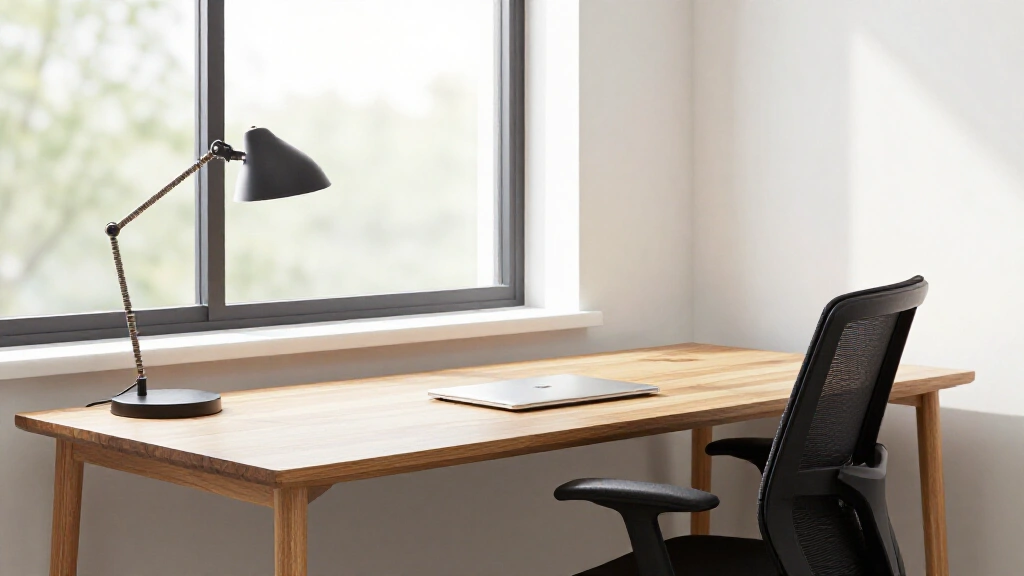
Working without natural light requires a deliberate approach. The key is to approximate daylight as closely as possible with full-spectrum LED bulbs in the 5000K–6500K range, then layer in enough sources to prevent the flat, cave-like feel that a single overhead light creates.
Combine ceiling ambient (5000K), a desk lamp (4500K–5000K), and bias lighting behind the monitor. Add a light therapy lamp if you’re working through winter months. A 10,000-lux SAD lamp used for 20–30 minutes in the morning can offset the mood and energy effects of a day spent in artificial light.
Light-coloured walls and a mirror opposite any light source will make the space feel more open and bounce available light further around the room.
Small Home Office Lighting
In compact spaces, the priority is keeping visual clutter low. Wall-mounted lamps and clip-on desk lights save surface space. Under-shelf LED strips give you task lighting without a separate lamp taking up desk real estate.
Avoid large floor lamps in tight rooms, as they eat floor space and can make a small office feel even more cramped. A slim, fully-adjustable desk lamp or a well-placed sconce will do the same job with a fraction of the footprint.
For more ideas on making compact workspaces feel larger and more functional, take a look at our home office nook ideas guide.
Home Office Lighting on a Budget
Good work-from-home lighting doesn’t require expensive equipment. Here’s a rough framework by spend:
Budget tier ($20–$50): A solid LED desk lamp covers the essentials. Look for one with an adjustable arm, a dimmer, and a colour temperature setting of 4000K or higher.
Mid tier ($50–$150): Combine a quality desk lamp with a LED strip for bias lighting and one smart bulb for your ceiling fixture. That combination gives you all three lighting layers.
Full setup ($150–$300+): Add a ring light or LED panel for video calls, upgrade to a smart lighting system, and invest in a quality ambient fixture with a dimmer switch. At this level, you’re covering every scenario from early morning focus sessions to late evening calls.
Choosing the Right Bulb: Colour Temperature and Brightness Explained
What Is Colour Temperature (Kelvin)?
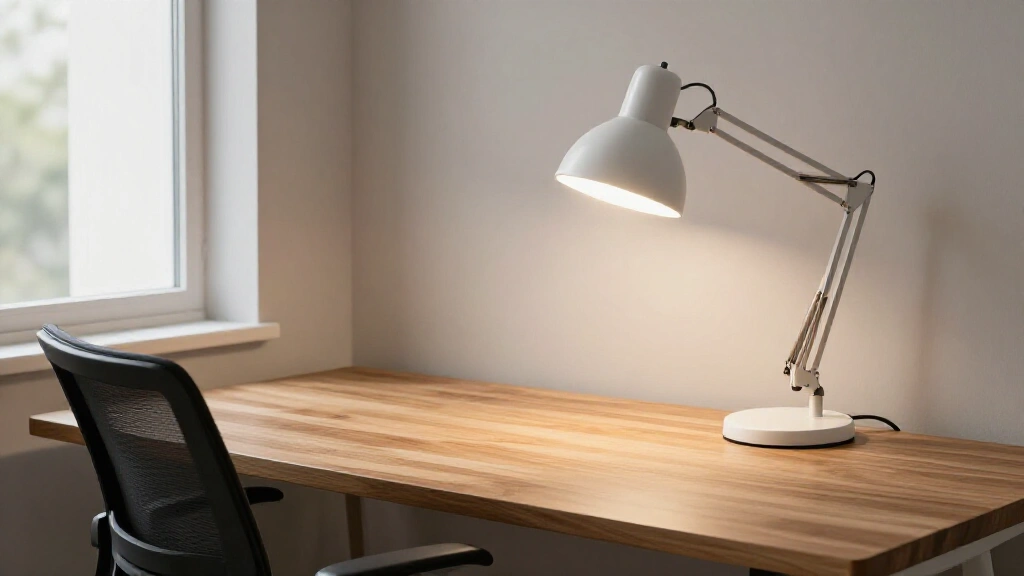
The Kelvin scale measures the warmth or coolness of a light source. Lower numbers are warm and yellow; higher numbers are cool and blue-white. For home offices, the usable range runs roughly from 3000K (relaxed evening light) to 6500K (daylight simulation).
Here’s a practical guide to which temperature works where:
| Zone / Task | Recommended Kelvin | Effect |
|---|---|---|
| General ambient lighting | 4000K – 4500K | Neutral, productive, easy on eyes |
| Focused desk / task work | 4500K – 5000K | Alert and sharp |
| Video calls / Zoom | 5500K – 6000K | Flattering on camera |
| Bias lighting (monitor backlight) | 6500K | Colour-accurate, reduces contrast fatigue |
| Evening work / wind-down | 2700K – 3000K | Warm, sleep-friendly |
| Creative or brainstorming sessions | 3500K – 4000K | Relaxed focus |
How Bright Should Your Home Office Be?
Brightness for desk work is measured in lux (the amount of light hitting a surface). For general computer work, 300–500 lux at the desk surface is the target. Detailed close-up work, such as drawing, reading fine print, or colour-critical tasks, can go up to 750 lux.
For a typical 10–12m² office, you’ll want around 2,500–3,000 lumens of total output across all your light sources combined. That’s a ceiling fixture providing the ambient base plus a desk lamp providing the task layer.
CRI: Why Colour Rendering Matters
CRI (Colour Rendering Index) measures how accurately a light source shows the true colours of objects. A CRI of 100 is sunlight; most LED bulbs fall between 80 and 95. For home office use, aim for CRI 90+, as it makes it easier to match colours between your screen and printed materials and is simply easier on the eyes over long periods.
Avoid fluorescent tubes where possible. Their typically low CRI causes colour distortion and contributes to the particular kind of headache-inducing fatigue associated with office environments.
How to Set Up Your Home Office Lighting: Step by Step
Step 1: Assess Your Space
Before buying anything, spend a few minutes observing your room during your working hours. Where do shadows fall? Where does glare appear on your screen? Is your space getting warm from direct sunlight at certain times of day? What are your primary tasks? Screen work, reading, video calls, or a mix?
Measure your room so you can calculate roughly how many lumens you need in total.
Step 2: Install Your Base Ambient Layer
Choose a ceiling fixture with a dimmer as your foundation. Recessed downlights give the cleanest look, but a pendant or semi-flush mount works well in most spaces. Aim for 4000K–4500K and enough total lumens to illuminate the full room without leaving dark corners.
Step 3: Add Targeted Task Lighting
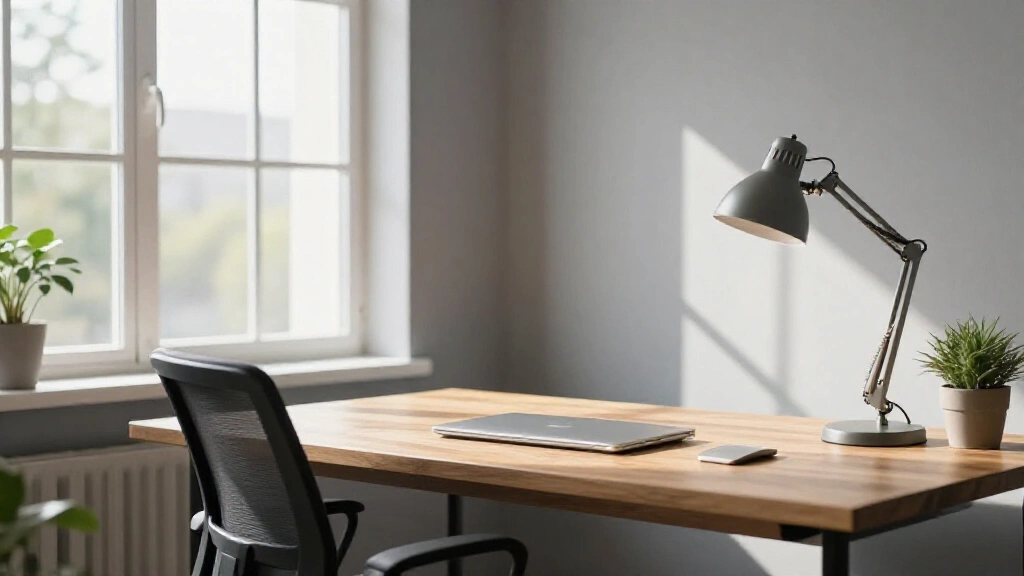
Place your desk lamp on your non-dominant side, somewhere between 15 and 36 inches from the work surface. Look for an adjustable arm, a built-in dimmer, and a colour temperature of around 4500K. The goal is bright, directed light exactly where your work happens.
Step 4: Manage Natural Light
If you have windows, fit sheer blinds or light-diffusing curtains rather than blocking the light entirely. Reposition your desk if you notice monitor glare appearing at a particular time of day. Perpendicular placement relative to the window is almost always the right move.
Step 5: Add Lighting for Video Calls
Position a ring light or LED panel at eye level in front of you. Check how it looks on-screen before your next meeting, and adjust the brightness and position until your face is evenly lit with no strong shadows. Colour temperature around 5500K–6000K works best on most cameras.
Step 6: Add Smart Controls
If budget allows, install dimmers on all circuits and set up smart bulb schedules: bright and cool in the morning, gradually warmer through the afternoon and into the evening. The difference in energy levels over time is noticeable once you start working with your circadian rhythm rather than against it.
Frequently Asked Questions About Home Office Lighting
What type of lighting is best for a home office?
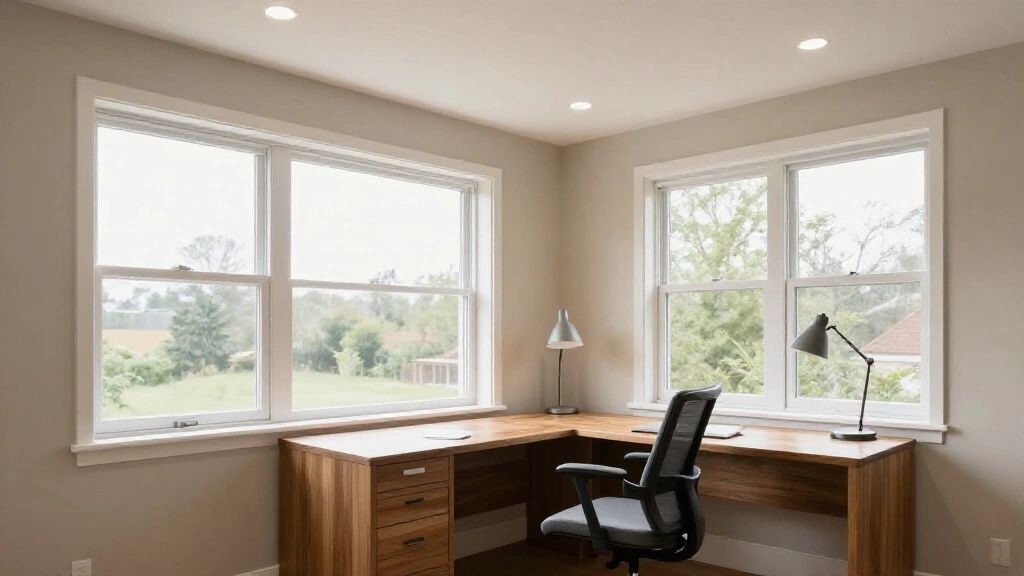
A layered approach works best: ambient ceiling lighting as the base, a dedicated desk lamp for your work surface, and natural light where available. The ideal setup combines a 4000K–5000K neutral-white LED for general illumination with a dimmable task lamp, plus bias lighting behind the monitor if you do significant screen work.
What colour temperature is best for a home office?
For most daytime tasks, 4000K–4500K is the most practical range, offering an alert and neutral quality without being harsh. For video calls, 5500K–6000K is more flattering on camera. For evening work, switching to 3000K or lower helps your body prepare for sleep without disrupting your productivity in the final hour of the day.
How do I light a home office without windows?
Combine a full-spectrum daylight LED bulb (5000K–6500K) in the ceiling with layered lighting from the desk and bias lighting behind the monitor. A light therapy lamp used for 20–30 minutes in the morning offsets some of the mood and energy effects of working without natural light, especially during shorter winter days.
Is LED lighting good for a home office?
Yes, LED is the best choice available. LEDs offer adjustable colour temperature, high CRI options, low heat output, a long lifespan, and significant energy savings compared to fluorescent or incandescent alternatives. The one thing to check is CRI: budget LEDs sometimes have a CRI below 80, which can cause subtle colour distortion and eye fatigue over time. Look for CRI 90+.
How bright should home office lighting be?
Aim for 300–500 lux at your desk surface for standard computer work, and up to 750 lux for detailed reading or drawing. In a 10–12m² room, this typically means 2,500–3,500 lumens combined across all light sources.
What is the best lighting for Zoom calls?
A ring light or LED panel at eye level, in front of you, set to around 5500K–6000K. Avoid sitting with a window directly behind you (it creates a silhouette effect on camera). If natural light is coming from a window in front of you, that’s the best option. Supplement it with a ring light for overcast days and evening calls.
What is bias lighting and do I need it?
Bias lighting is a light source placed behind your monitor that reduces the harsh contrast between a bright screen and a dark surround. It significantly reduces digital eye strain for anyone doing extended screen work. A 6500K LED strip or a product like the BenQ ScreenBar Halo placed behind the monitor is all it takes. If you spend four or more hours at a screen each day, it’s worth adding.
Putting It All Together
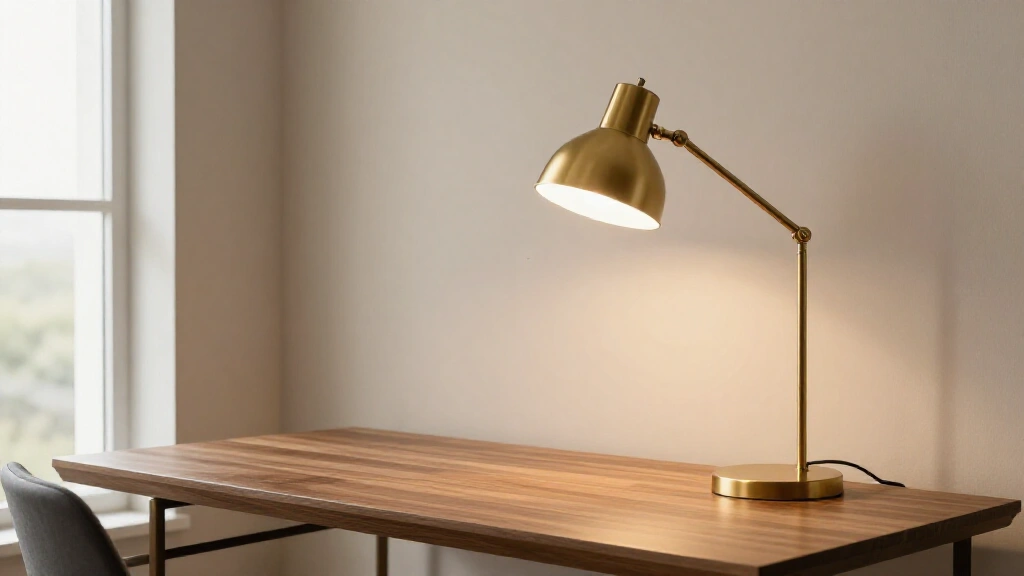
Home office lighting doesn’t have to be complicated. Start with the two changes that have the biggest impact: a quality adjustable desk lamp and a ceiling fixture on a dimmer. From there, add bias lighting behind the monitor, manage any natural light with sheer curtains, and consider a ring light if video calls are part of your regular day.
The full layered approach, with ambient, task, and accent working together, makes the most difference to both comfort and how the space looks and feels. It’s also one of the more cost-effective upgrades you can make to a home workspace, since even a modest desk lamp and a smart bulb or two take you most of the way there.
If your office sits within a larger room or you’re still figuring out the layout, our guide to home office nook ideas covers space planning ideas that pair well with the lighting approach described here. And if the room itself needs attention beyond the desk, the complete guide to living room decor covers the broader design decisions that lighting sits within.
Good light makes the work easier. It’s a small change that adds up significantly over the course of a working week.